 BookrGo
Example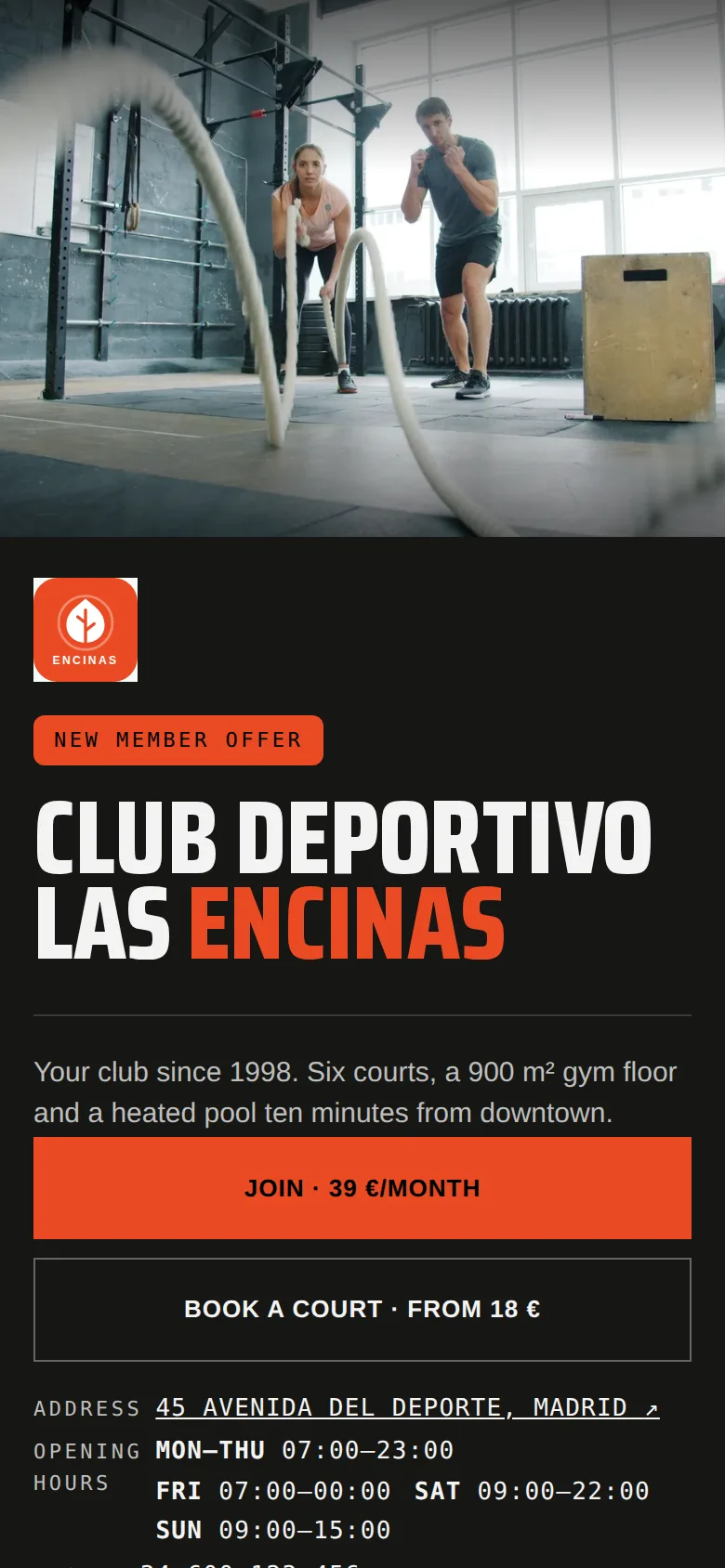
SEO and acquisition
Your club shows up when someone looks for a place to play nearby, on Google and on the map, with your hours and prices.
See how it works →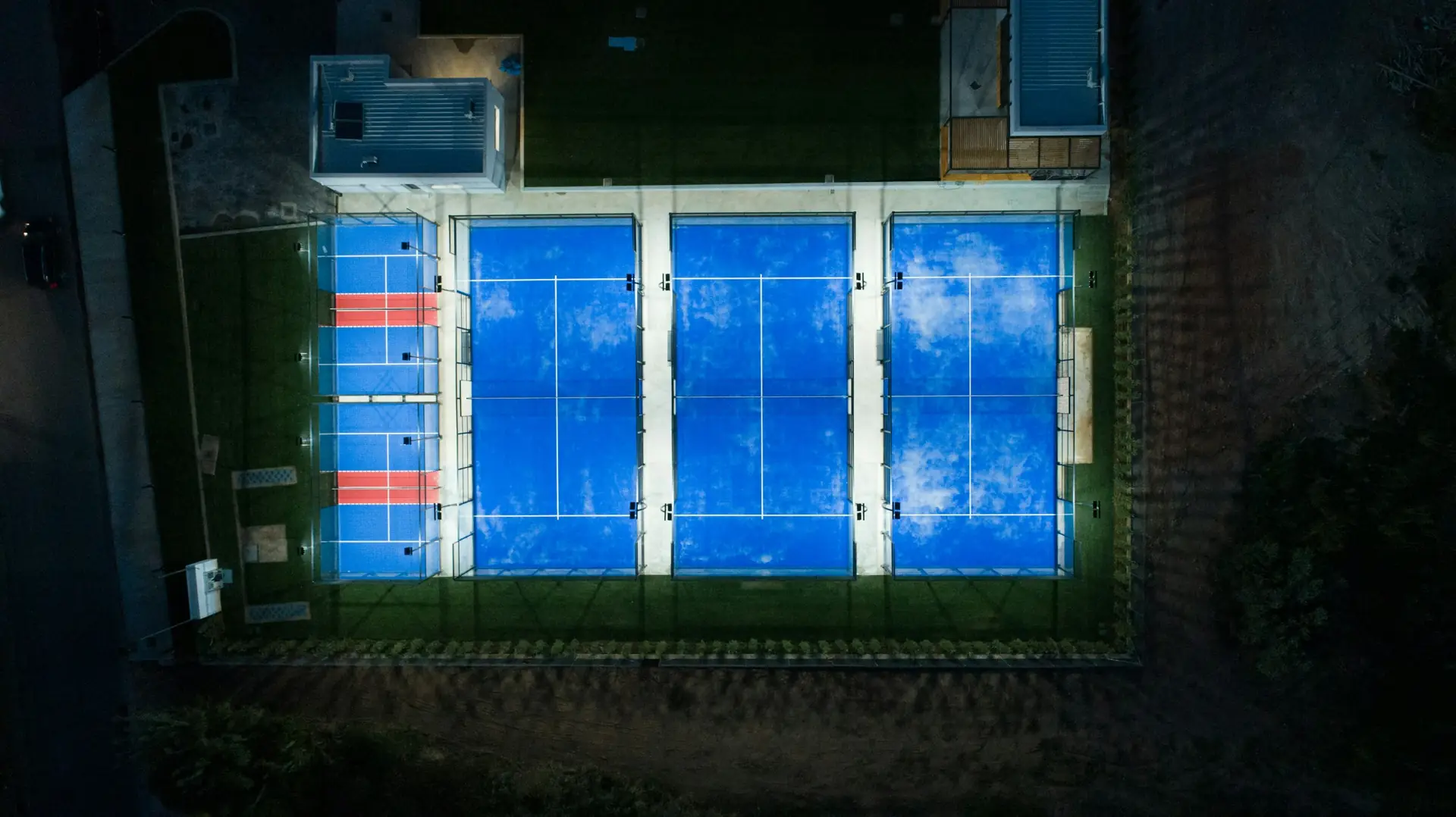
Each feature takes a job off somebody’s hands. They are all on every plan, including the free one: what changes between plans is the commission.
Real app screens, with a sample club: what your team does and what your customer sees.
Your club first when someone looks for a place to play: website, listing and SEO done by experts.
Your club’s listing and website, published with structured data, star reviews in Google, three languages and tracking of who finds you. No agency.
SEO and acquisition → Your website, done, with no agency and no upkeepClub page templates, photos, hours and prices you change yourself and that publish on their own, with the club’s branding and your own domain. No agency.
The club website → Your name on your customers’ home screen, not oursYour customers install your site as an app, with the club’s name, icon and colour, on your own domain. No app stores and no development bill.
App with your brand →Your club shows up when someone looks for a place to play nearby, on Google and on the map, with your hours and prices.
See how it works →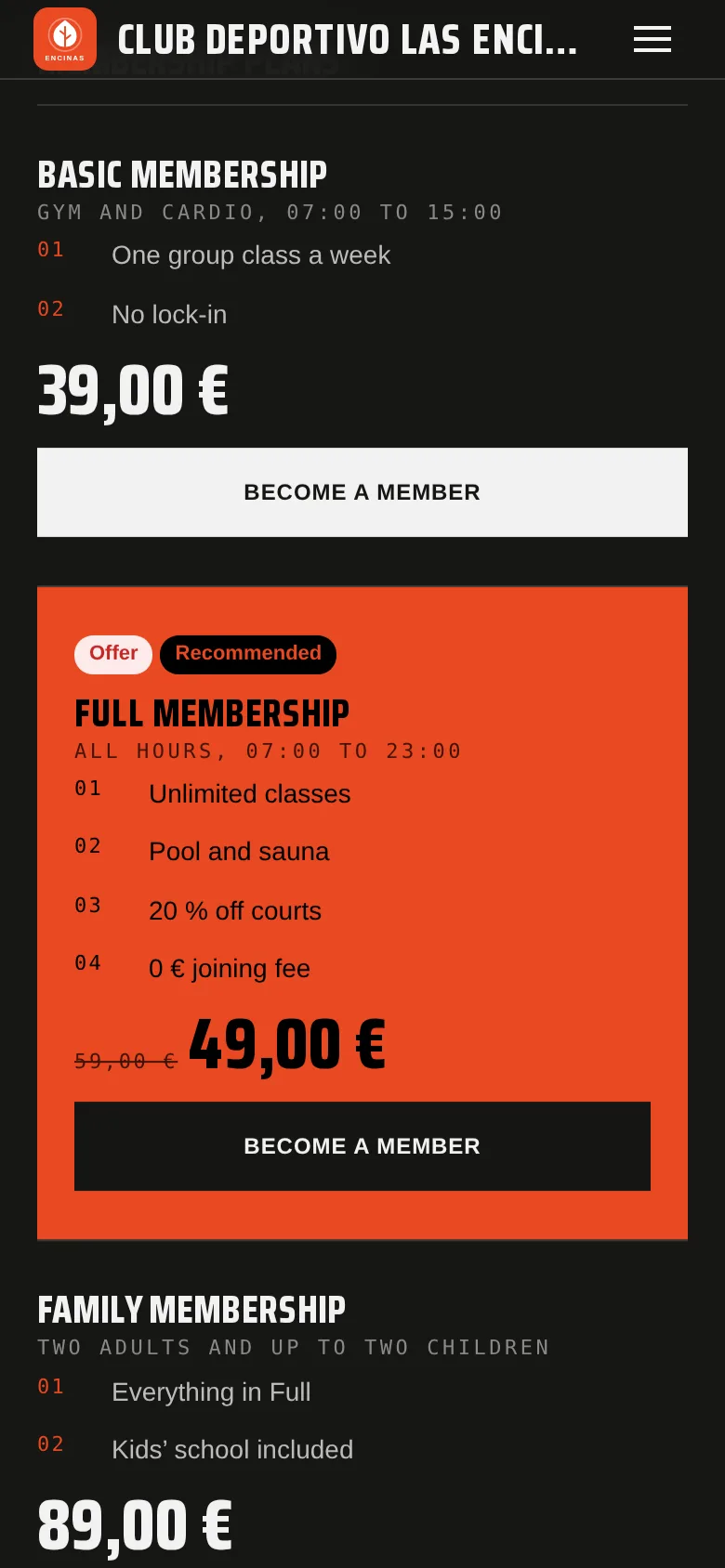
A website that’s done and updates itself with what you change in the panel, with bookings and fees on sale.
See how it works →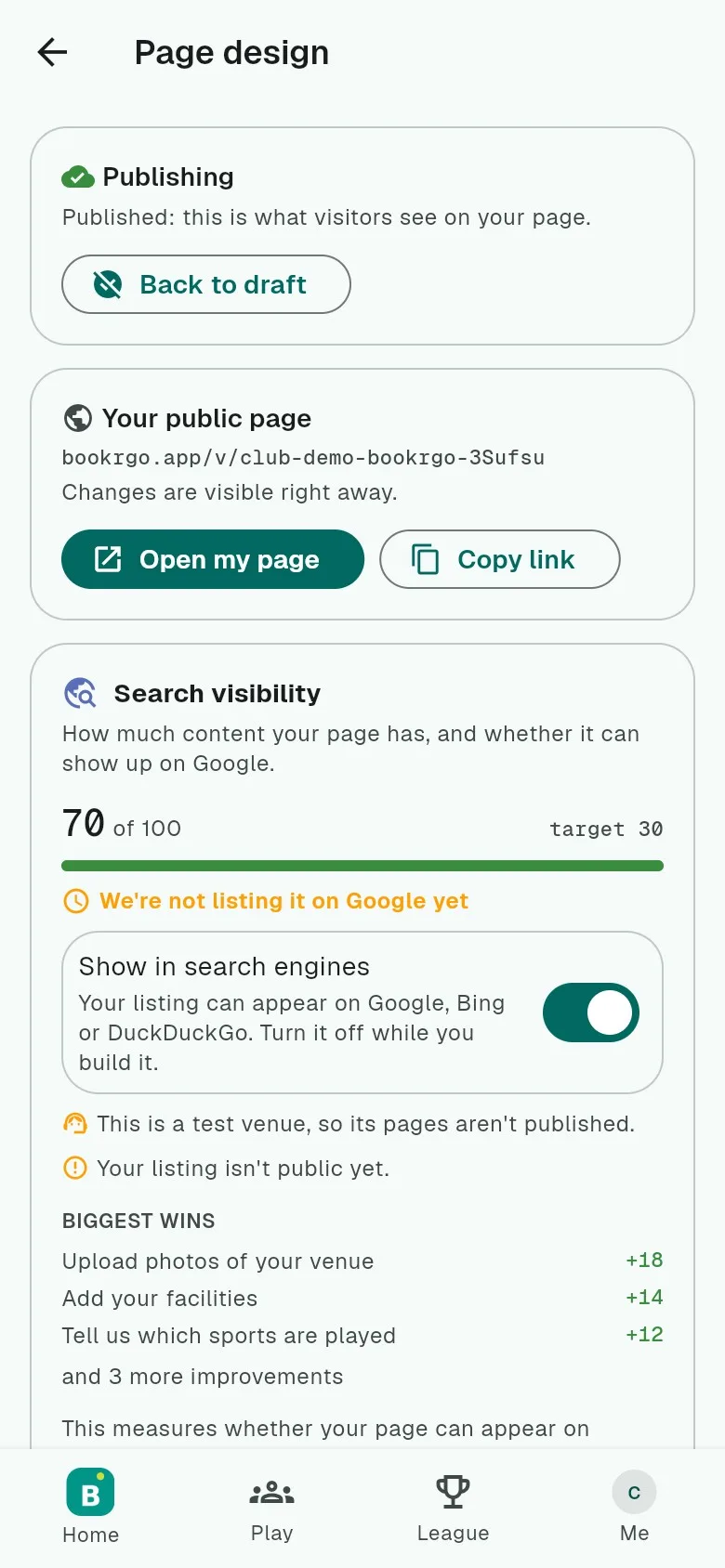
Pick the template for your kind of venue — gym, club, leisure centre — and your colour: the site changes look in one tap.
See how it works →Your address, your name and your logo, without the BookrGo badge. Included in every paid plan.
See how it works →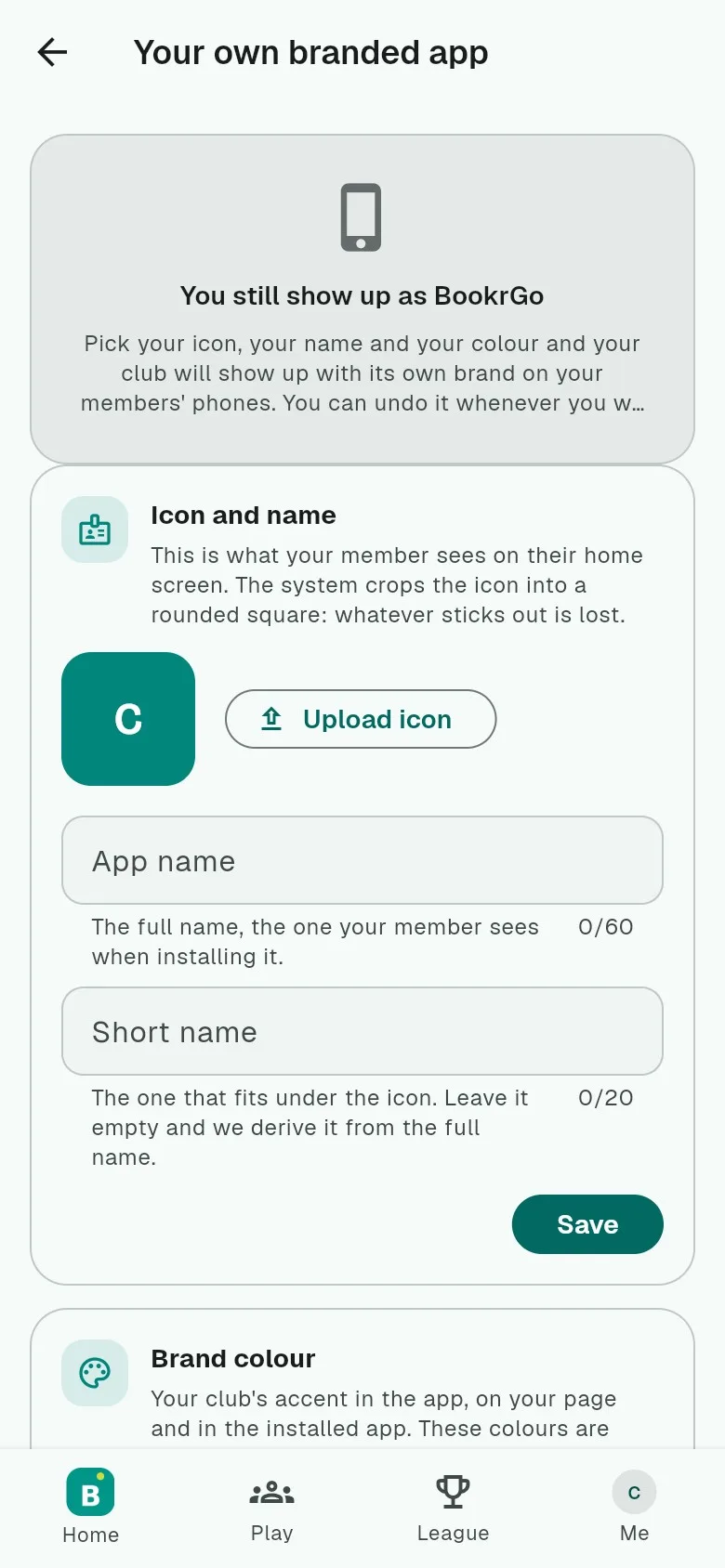
Your customers install you on their phone with your icon and colour, and the BookrGo app dresses in your brand when they scan your QR code.
See how it works →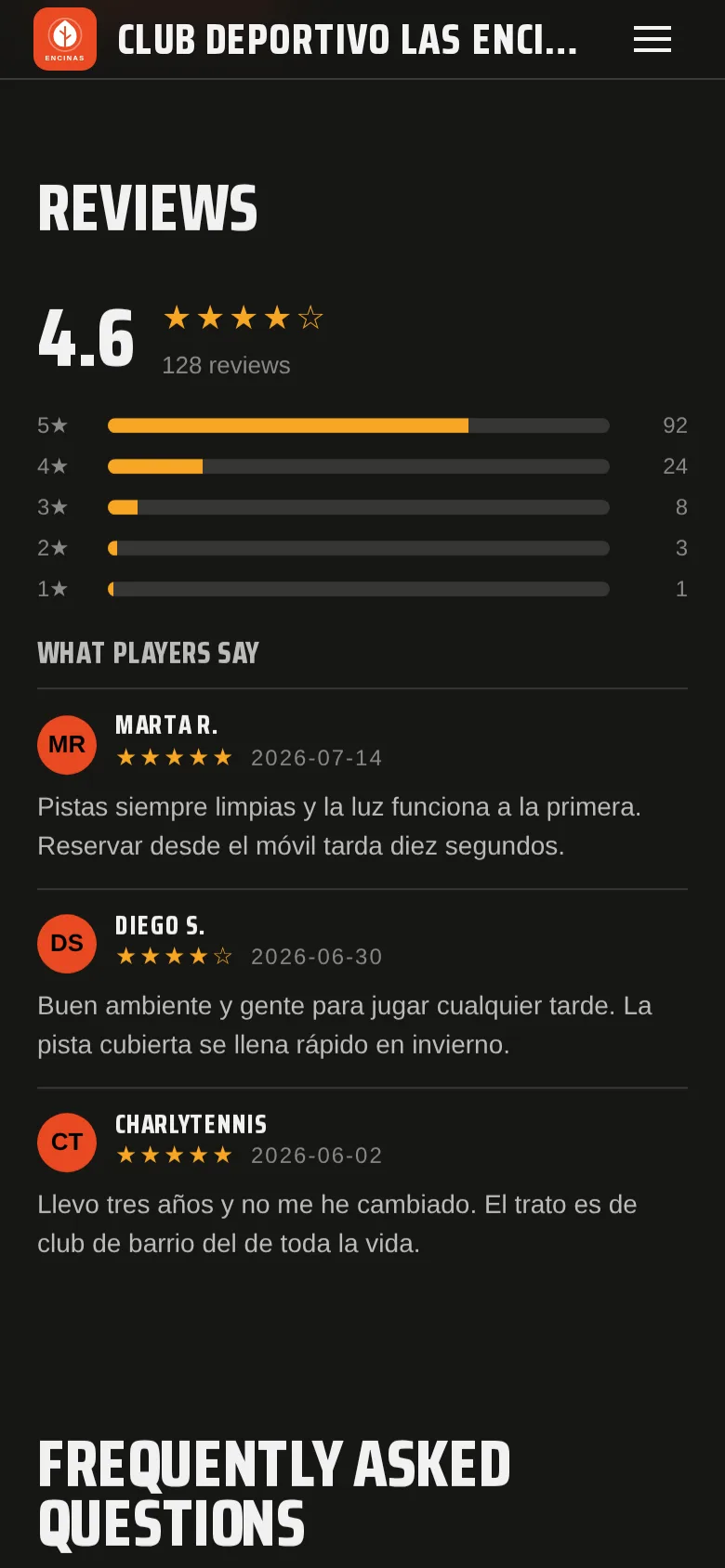
Only people who really booked can review. The stars show on your page and on Google.
See how it works →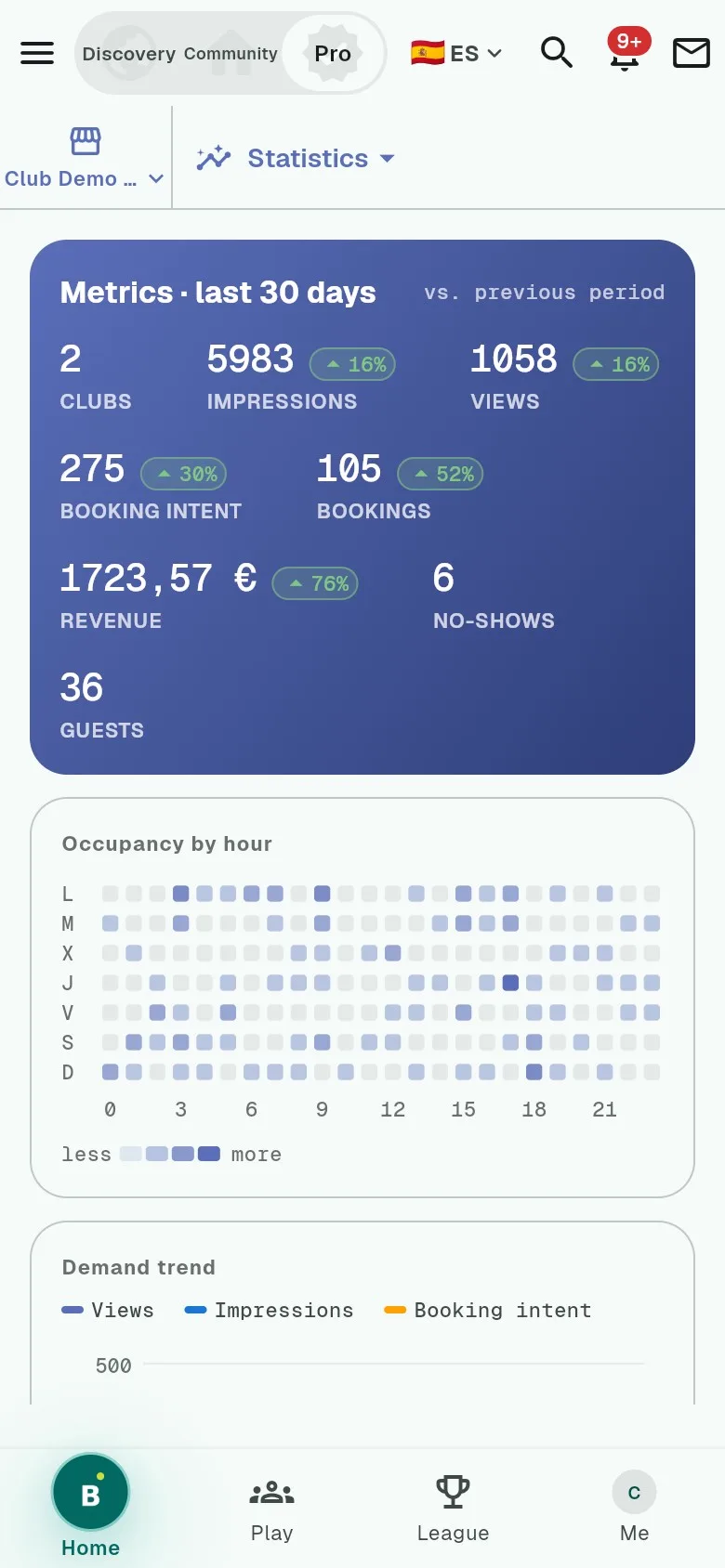
How many people see you, look for you and get to booking, so you set prices and slots with data.
See how it works →A special price to fill the quiet hour, which removes itself on the day you choose.
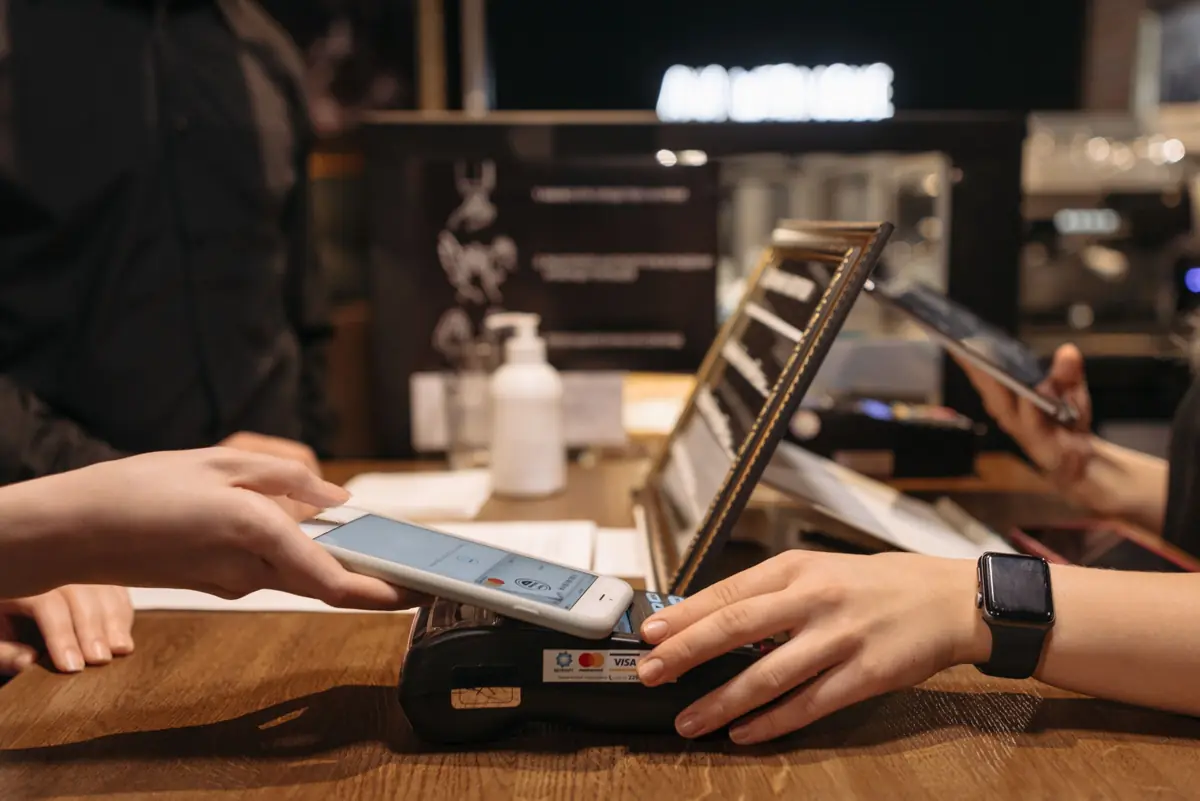
See how it works →Whoever arrives books and pays in two taps: courts, classes, fees and tournaments paid in advance.
Real-time schedule, booking without sign-up, time-slot pricing and deposits. No double bookings and no after-hours phone calls.
Online booking → Whoever books, pays; whoever pays, shows upCharge upfront, apply the deposit and the cancellation rule without arguing. Money lands in your account: 2% with no fee, less on a plan.
Payments and deposits → Your fees charge themselves, and your members’ bookings pay no commissionMember tiers, a fee that charges itself every period, QR sign-up at the desk and a CSV import of the members you already have.
Members and fees → The seat that drops is taken by the next in lineEvery class has its seats counted, its waitlist and its attendance sheet. If somebody drops out, the first in the queue is enrolled and notified on their own.
Classes and capacity → Run the tournament without a spreadsheet or clashing courtsSign-ups with a waiting list, categories, a draw that books the courts in your schedule and public results. Americano, Mexicano, round robin and knockout.
Tournaments →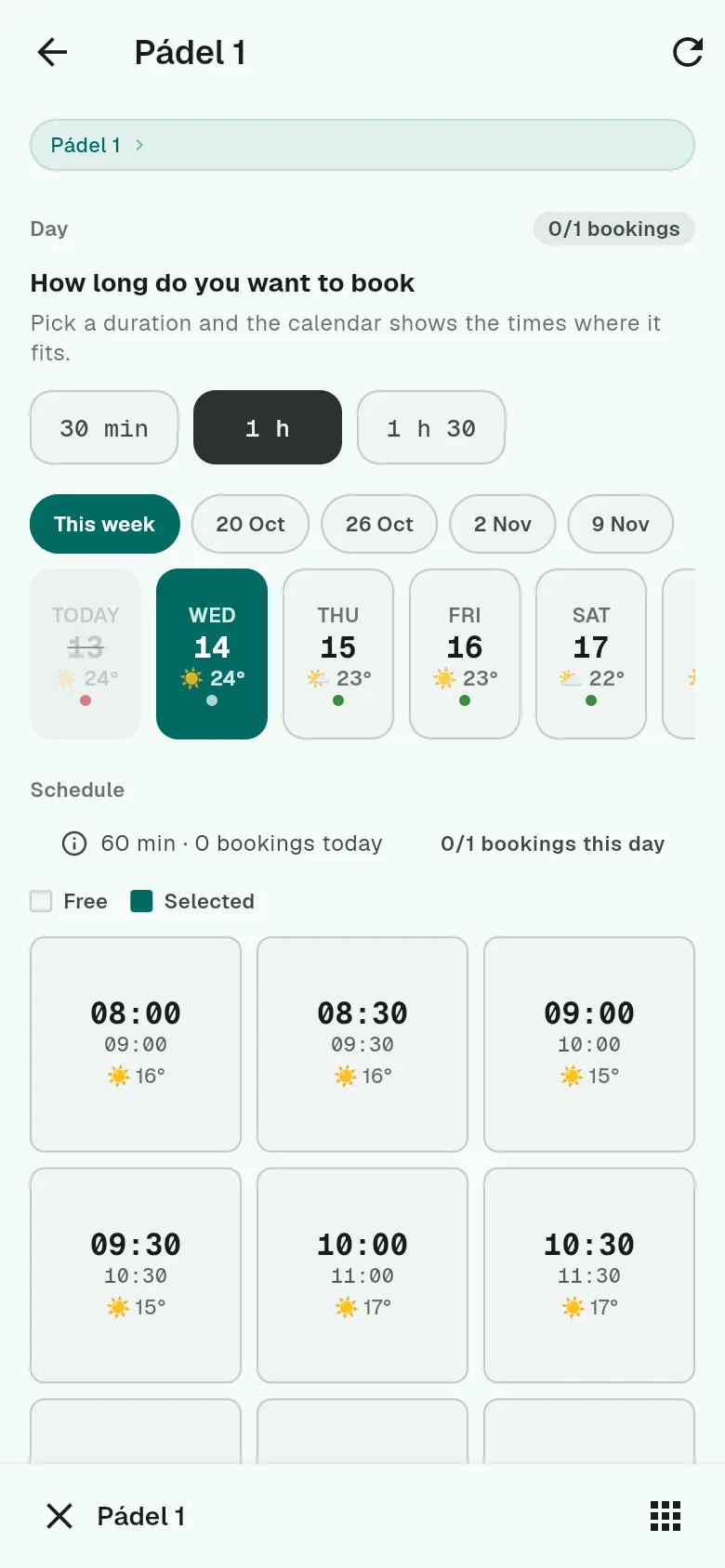
A real-time schedule for courts, rooms and spaces, with no double bookings and open 24 hours.
See how it works →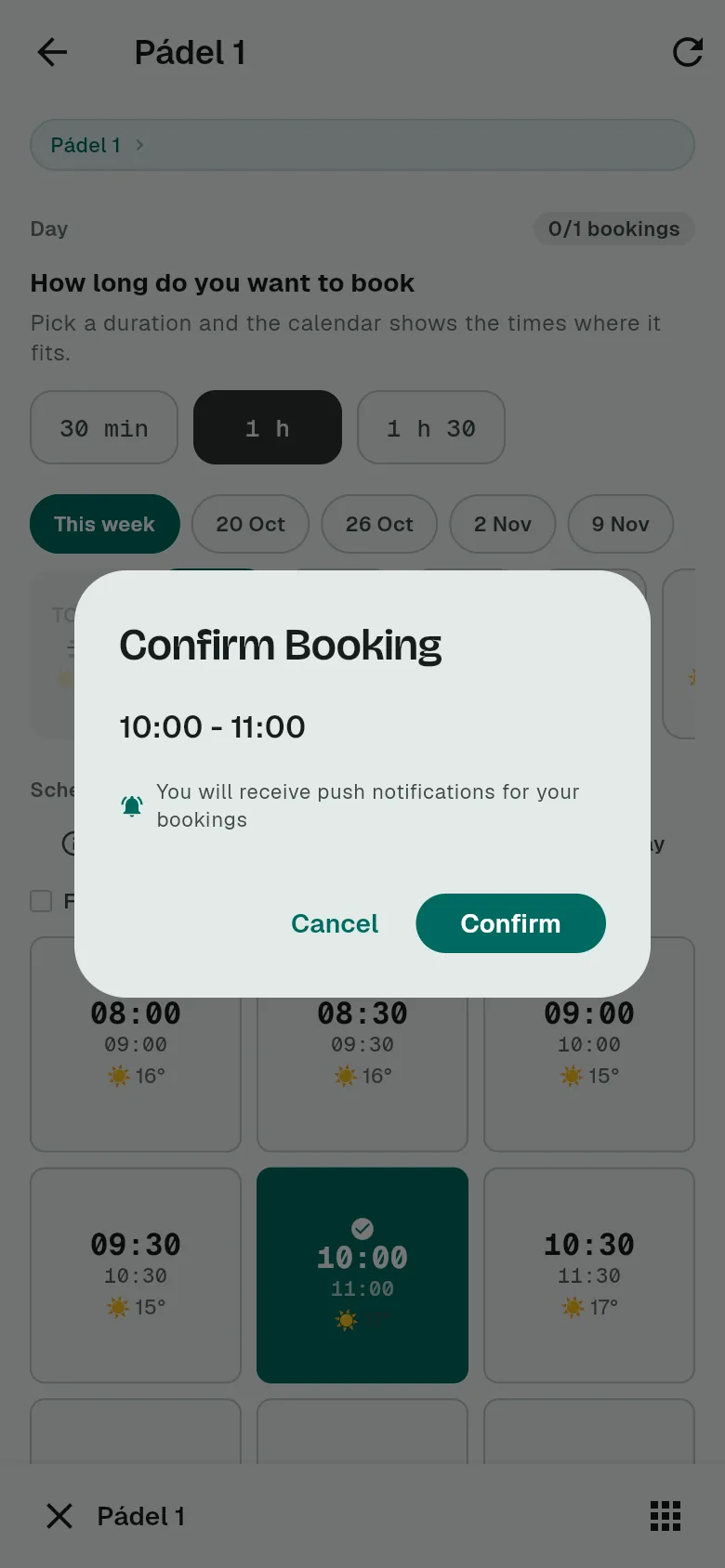
First-time visitors book and pay without creating an account or downloading anything.
See how it works →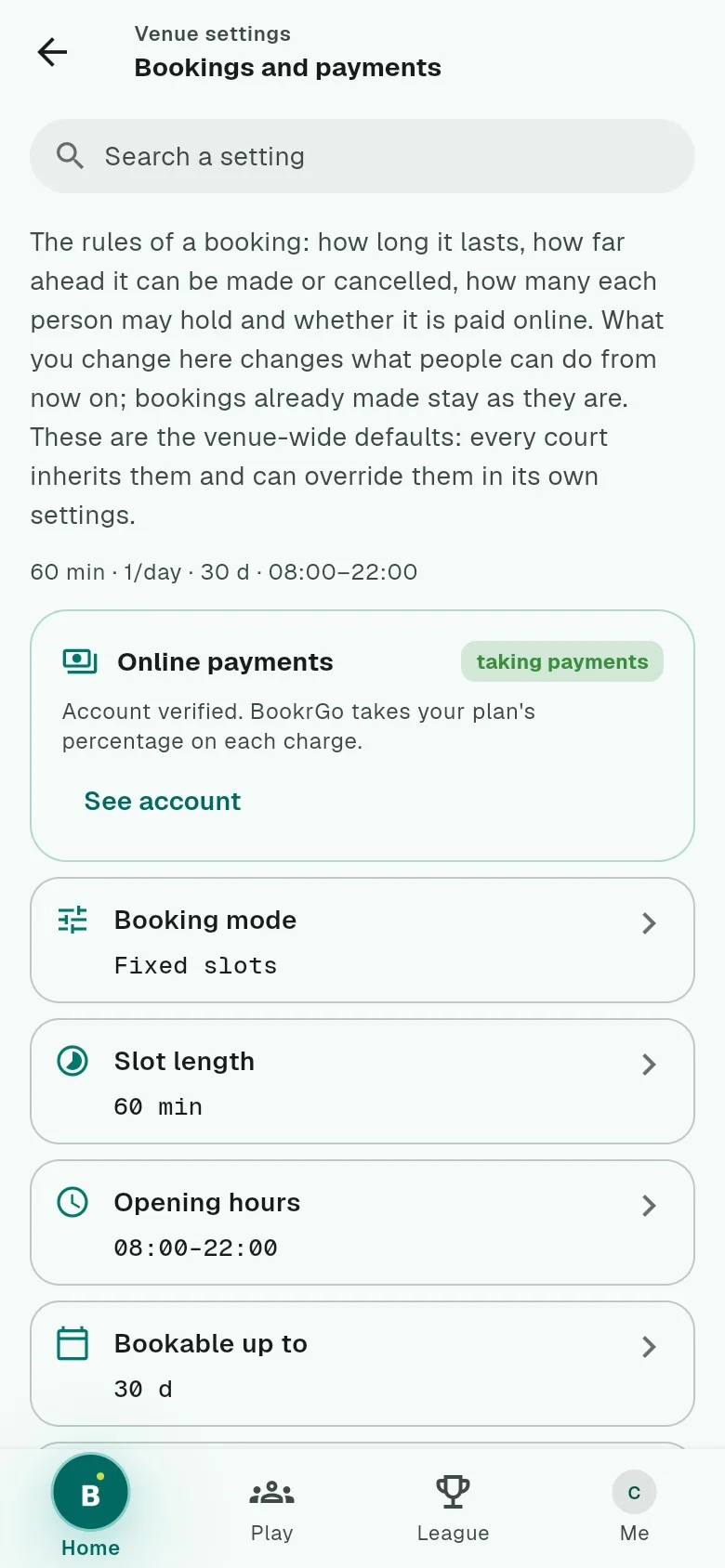
Charge differently on Tuesday at 11 than on Saturday at 7 pm, per court and per season.
See how it works →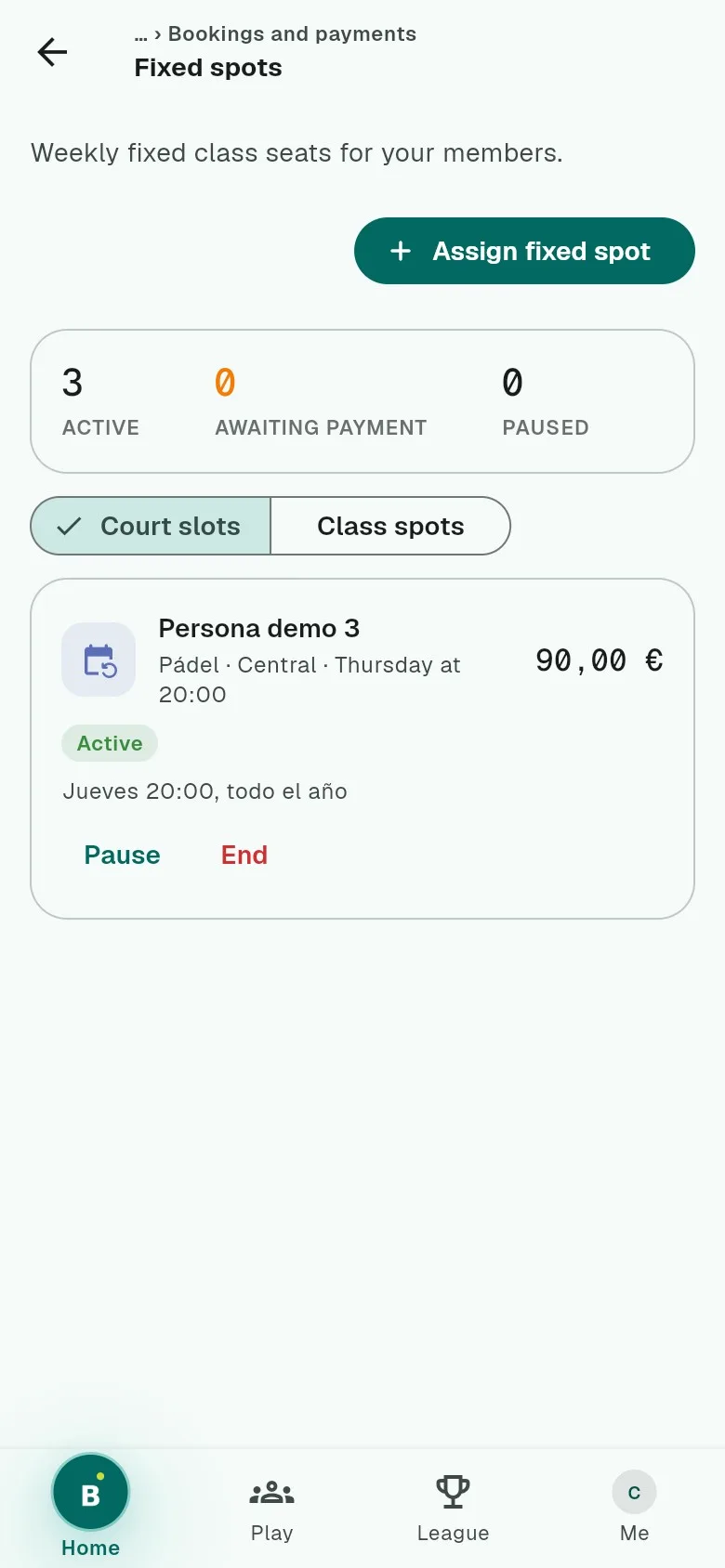
Each week’s regular slot and a fixed place in a class book themselves, four weeks ahead.
See how it works →Payment upfront or a deposit on booking, with the money straight to your account and cancellations applied automatically.
See how it works →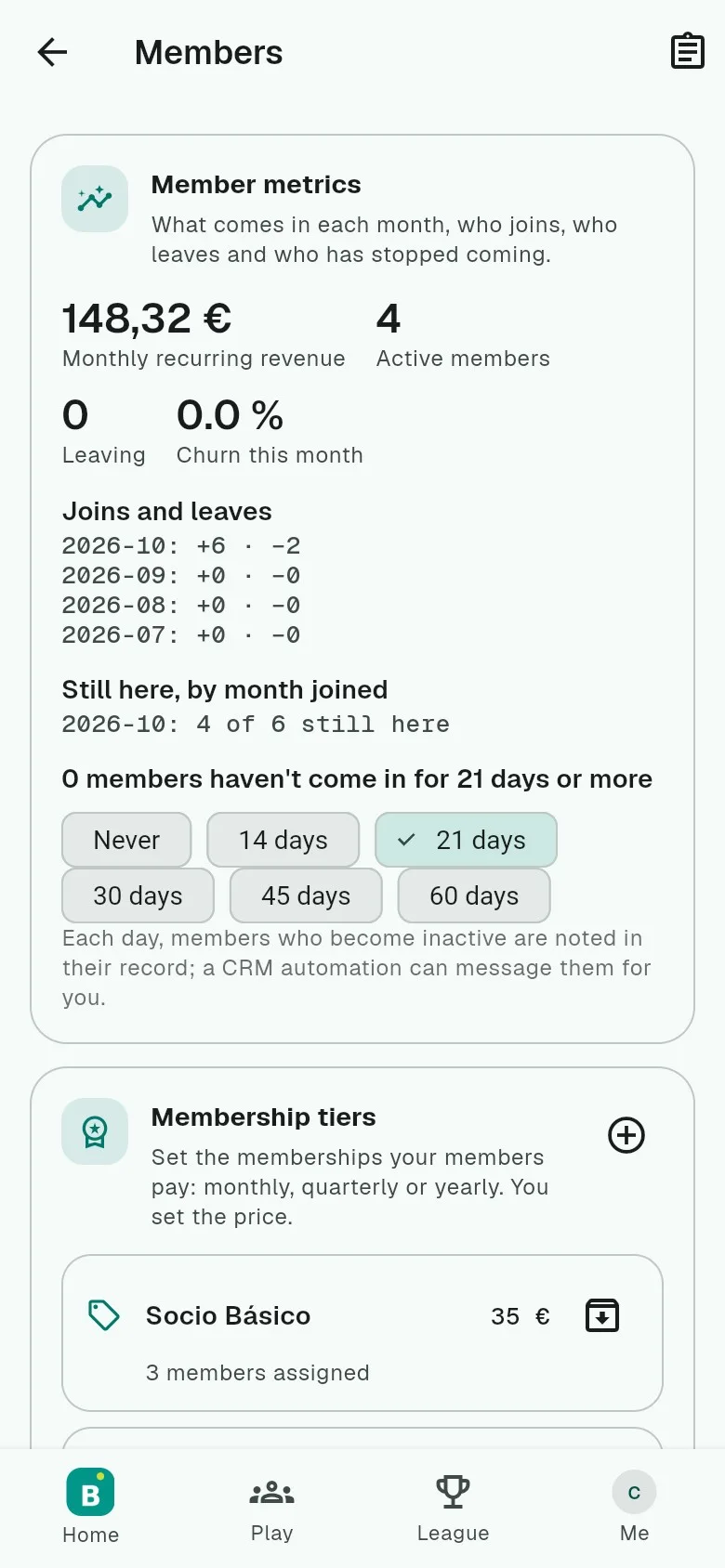
Recurring fees by card or direct debit, and an alert only when a payment bounces.
See how it works →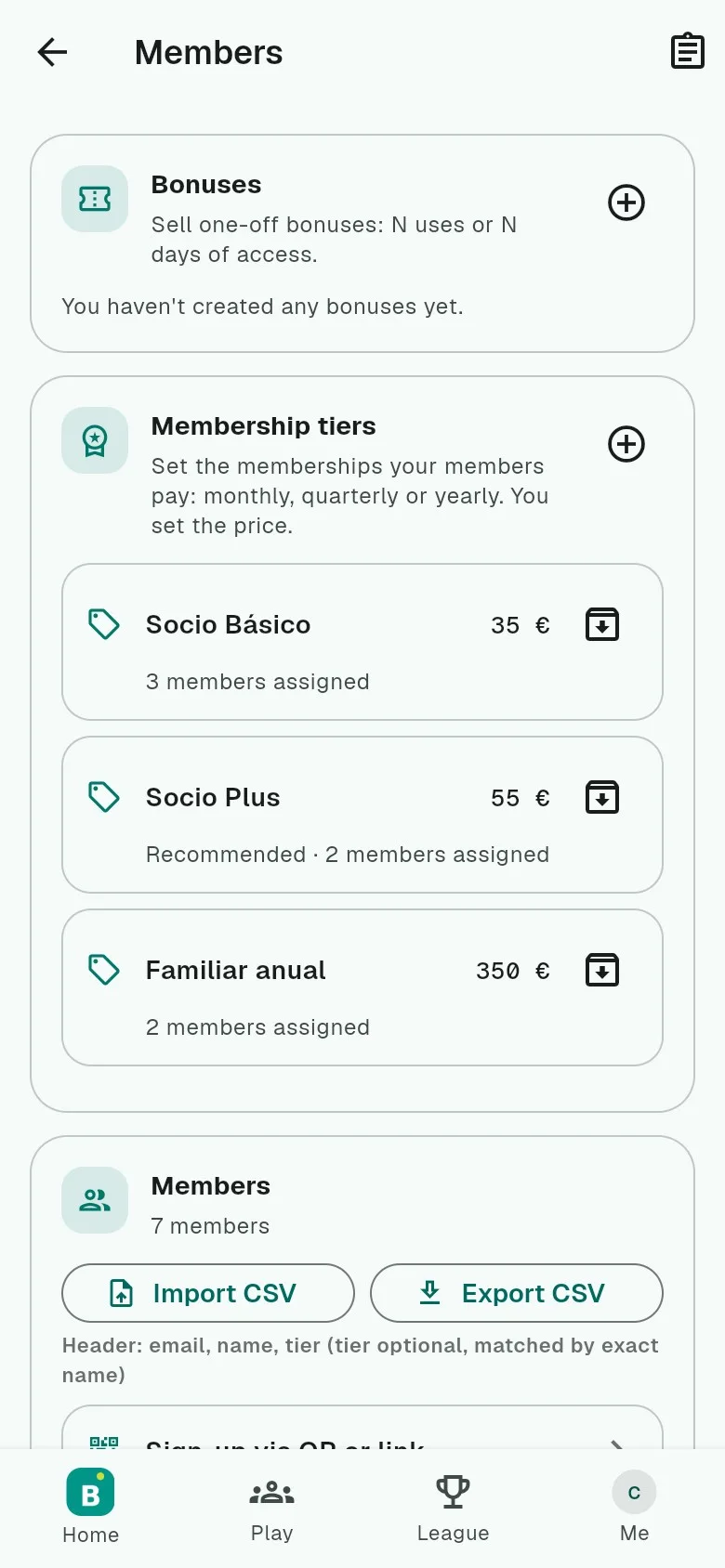
Sell ten sessions at once or a season pass and get paid today; the balance counts down by itself.
See how it works →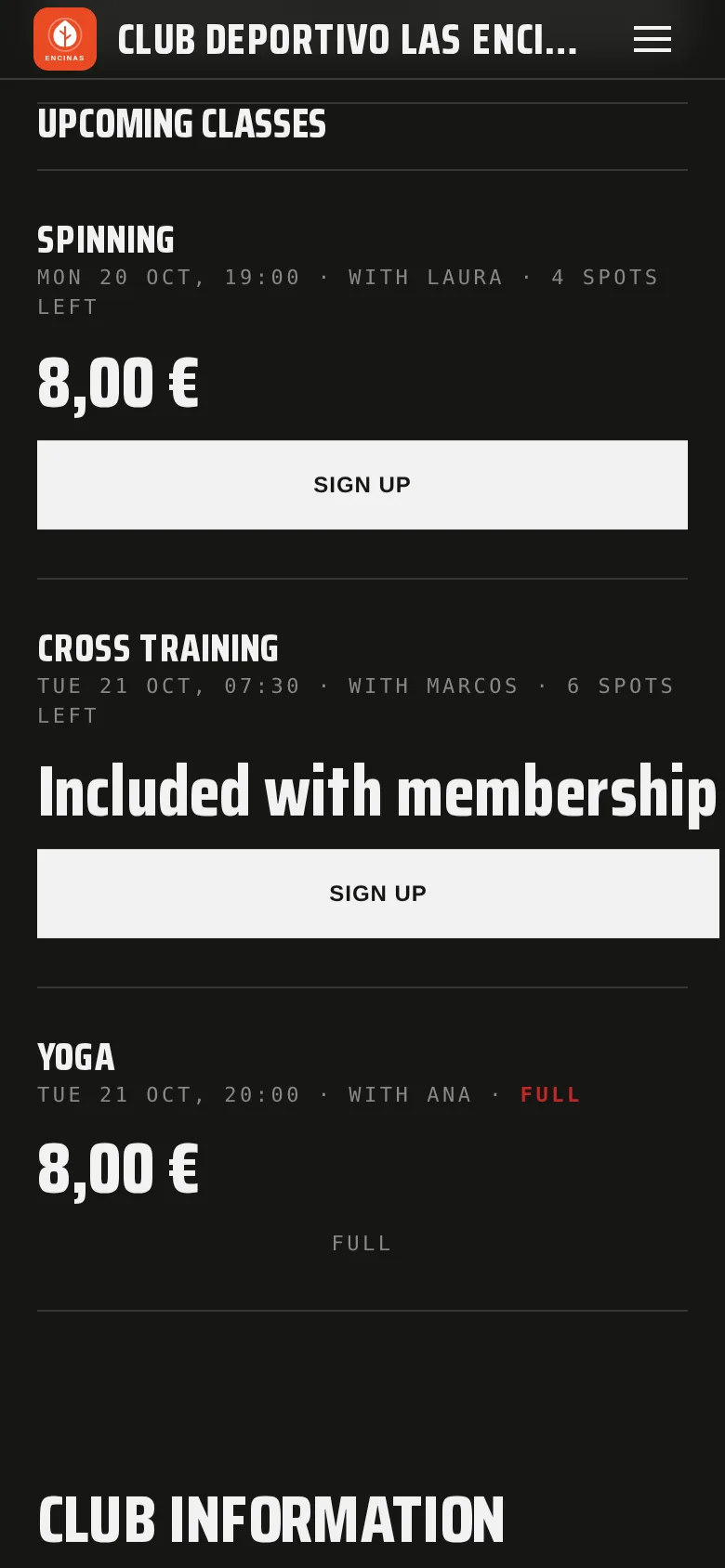
A class timetable with sign-up, capacity, waiting list and attendance; a freed place goes to the next person.
See how it works →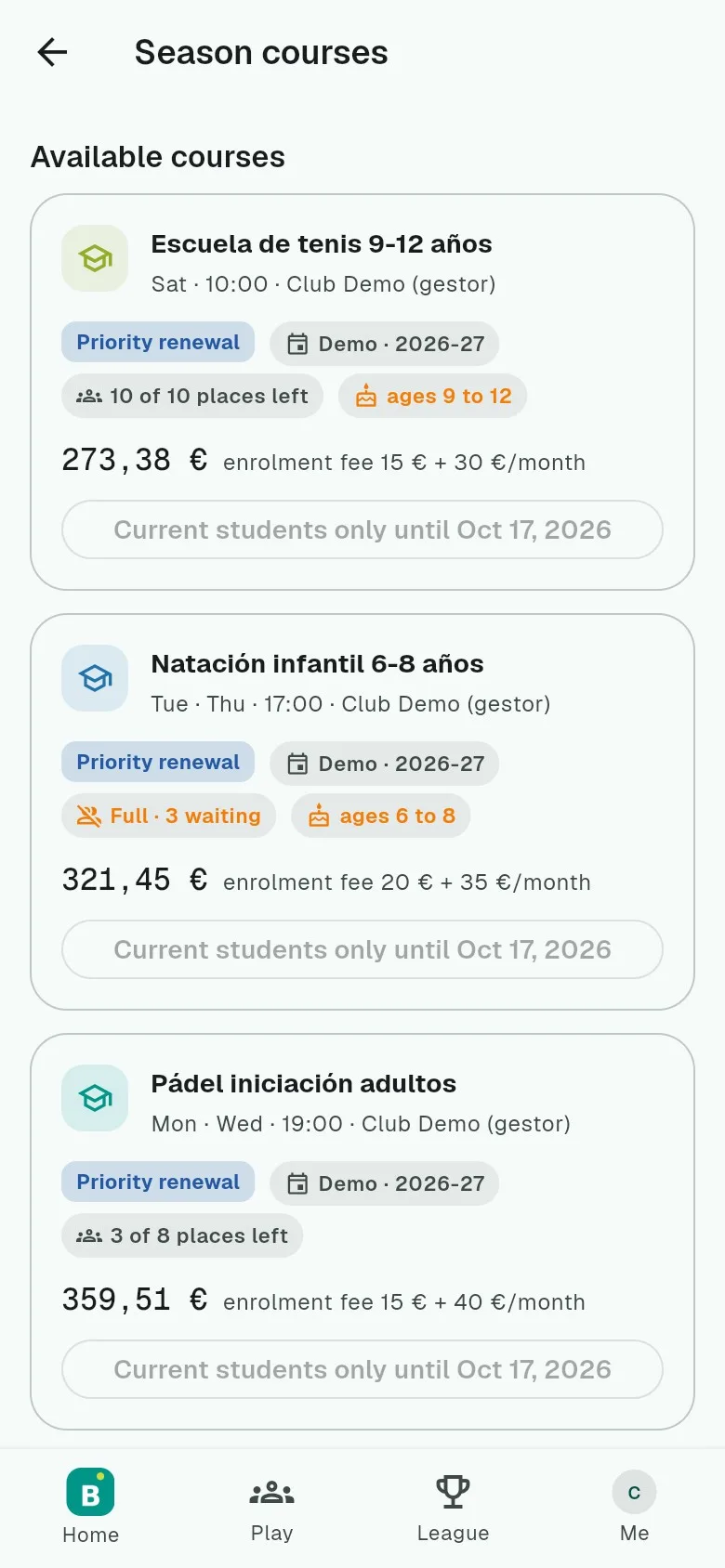
Season courses with groups, levels and monthly fees, for the padel, tennis or swimming school.
See how it works →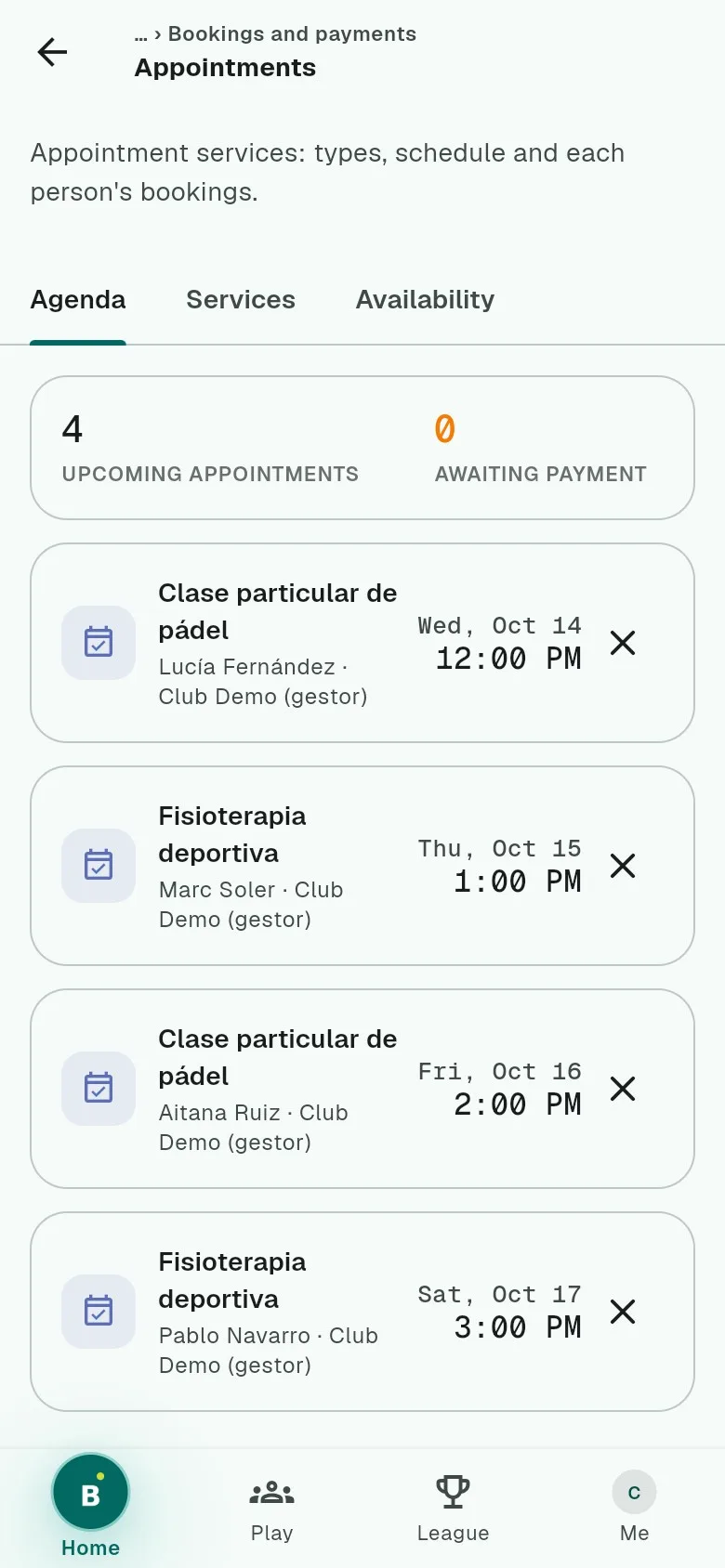
Personal training, physio or nutrition booked by appointment, with each professional’s availability.
See how it works →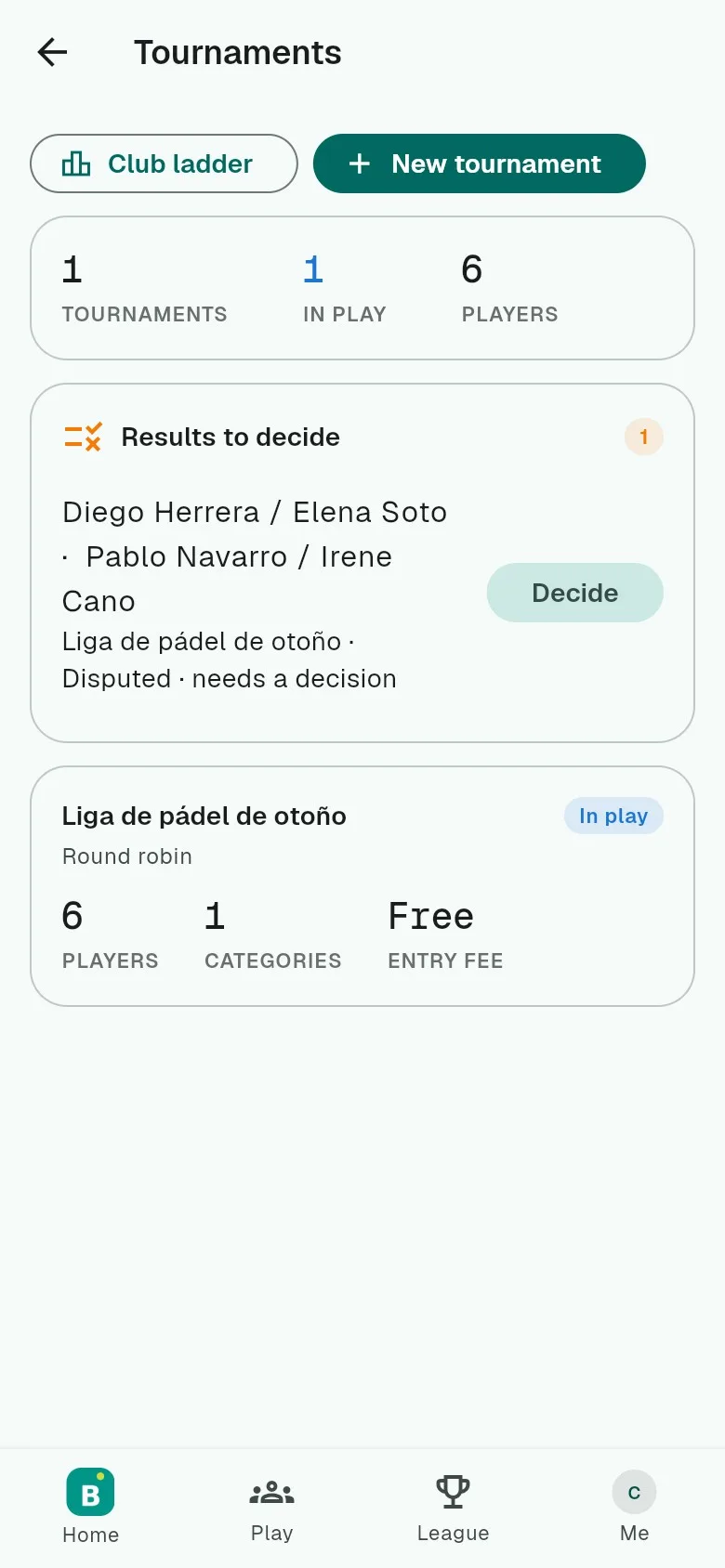
Paid entries, categories, draw, results and sponsors, all on the club website.
See how it works →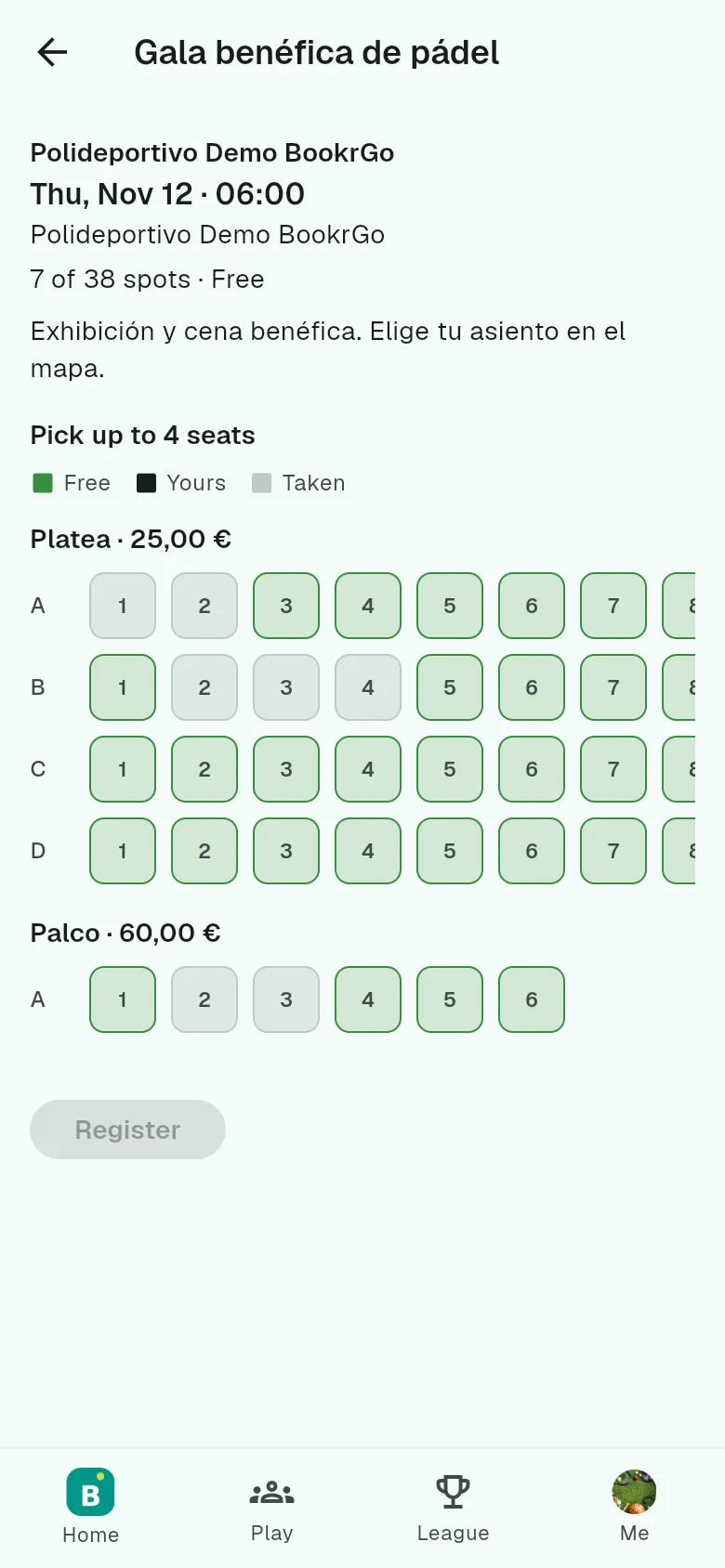
Camps, open days or exhibitions with their sign-up form, tickets and a seat map with prices by section.
See how it works →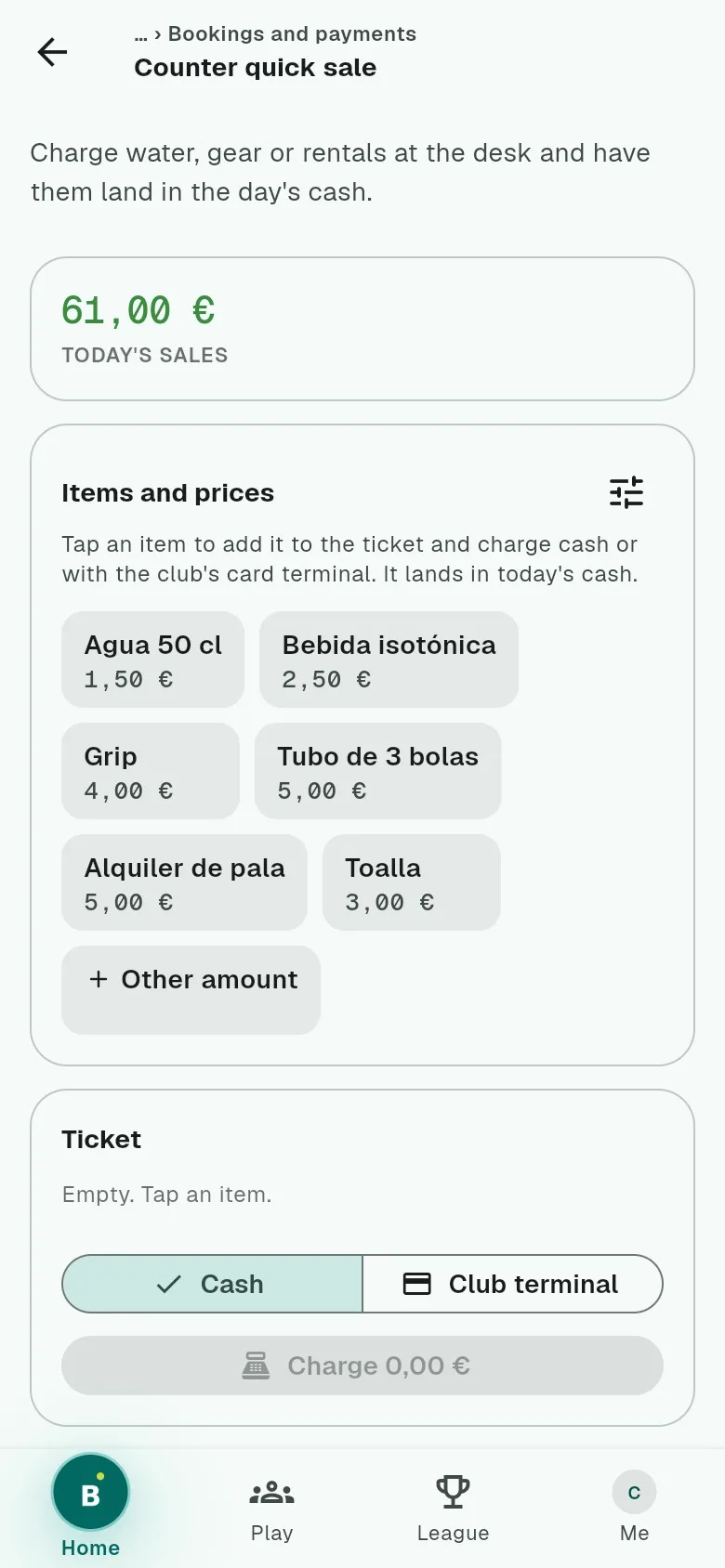
Sell water, towels or a drop-in class at the desk in one tap, and balance the till at the end of the day.
See how it works →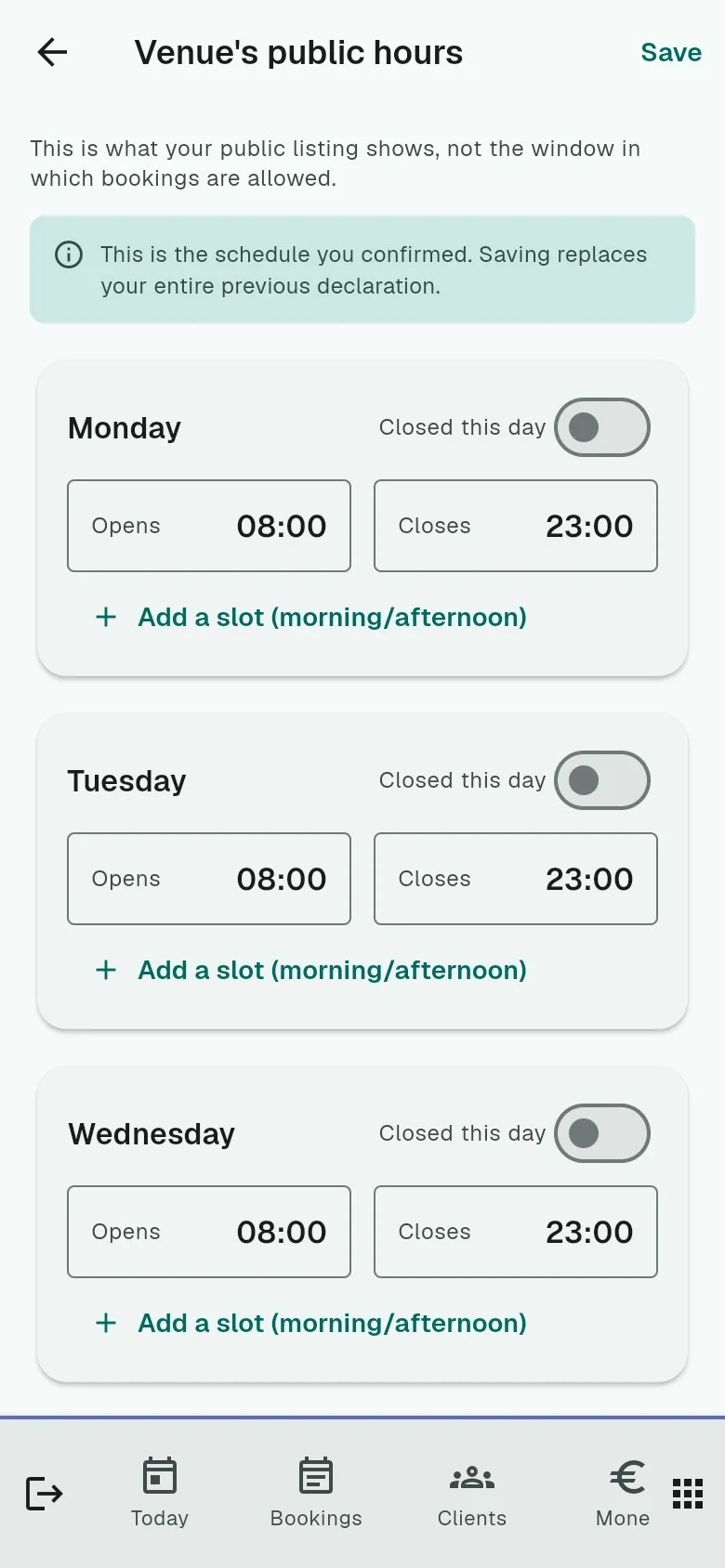
Hours by day and by court, your local holidays loaded in one tap and closures that block the schedule by themselves.
See how it works →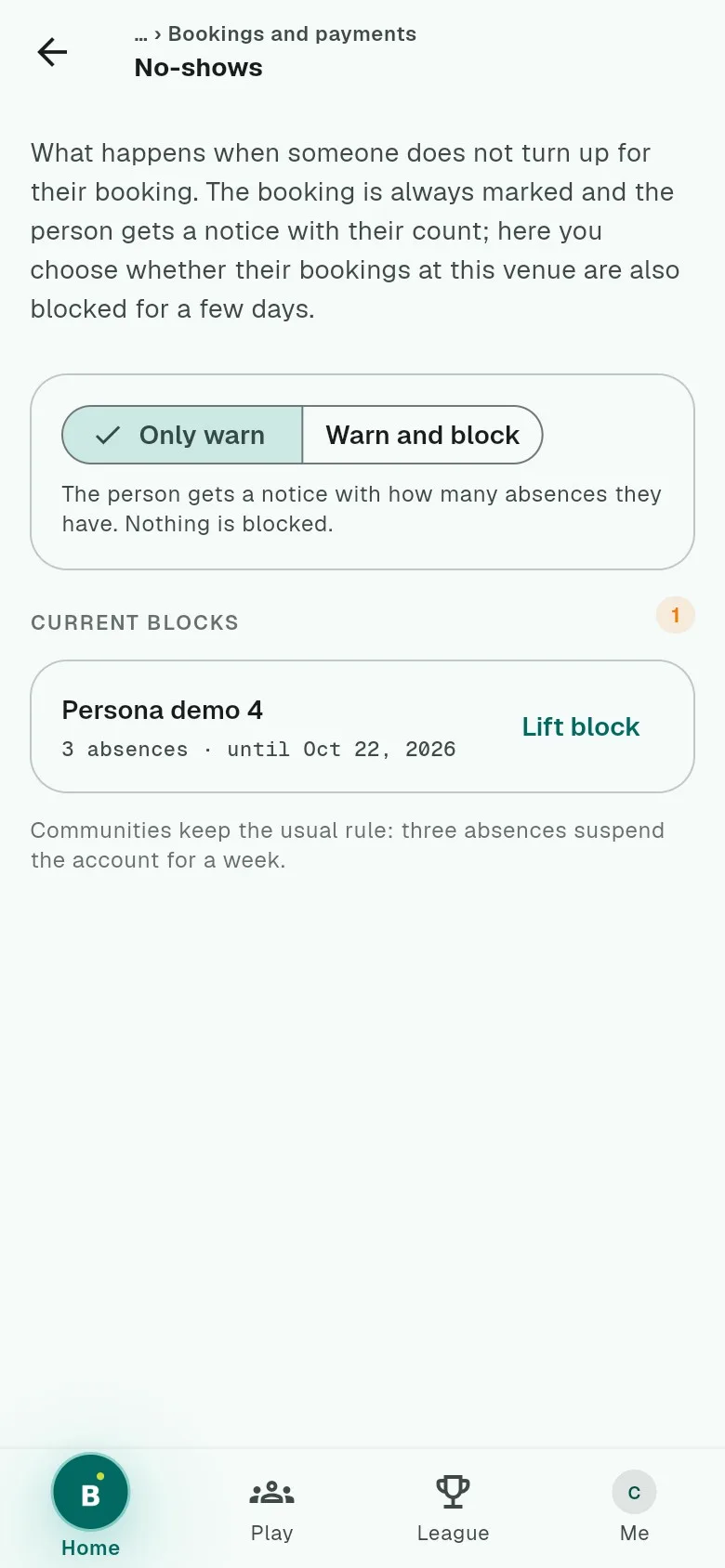
No-shows get a notice with their count and, if you want, their bookings are blocked for a few days.
See how it works →Automated playbooks that keep every customer active: reminders, win-backs, renewals and recovered payments.
Scripts that win, convert and keep customers on their own: email, SMS, WhatsApp and push triggered by what happens at your club, with their projected cost.
Automated playbooks → Every notice goes out on its own, on time, to people who want itReminders, payment notices and messages to your members by email and push, with consent, quiet hours and one-click unsubscribe. No exporting contacts.
Announcements →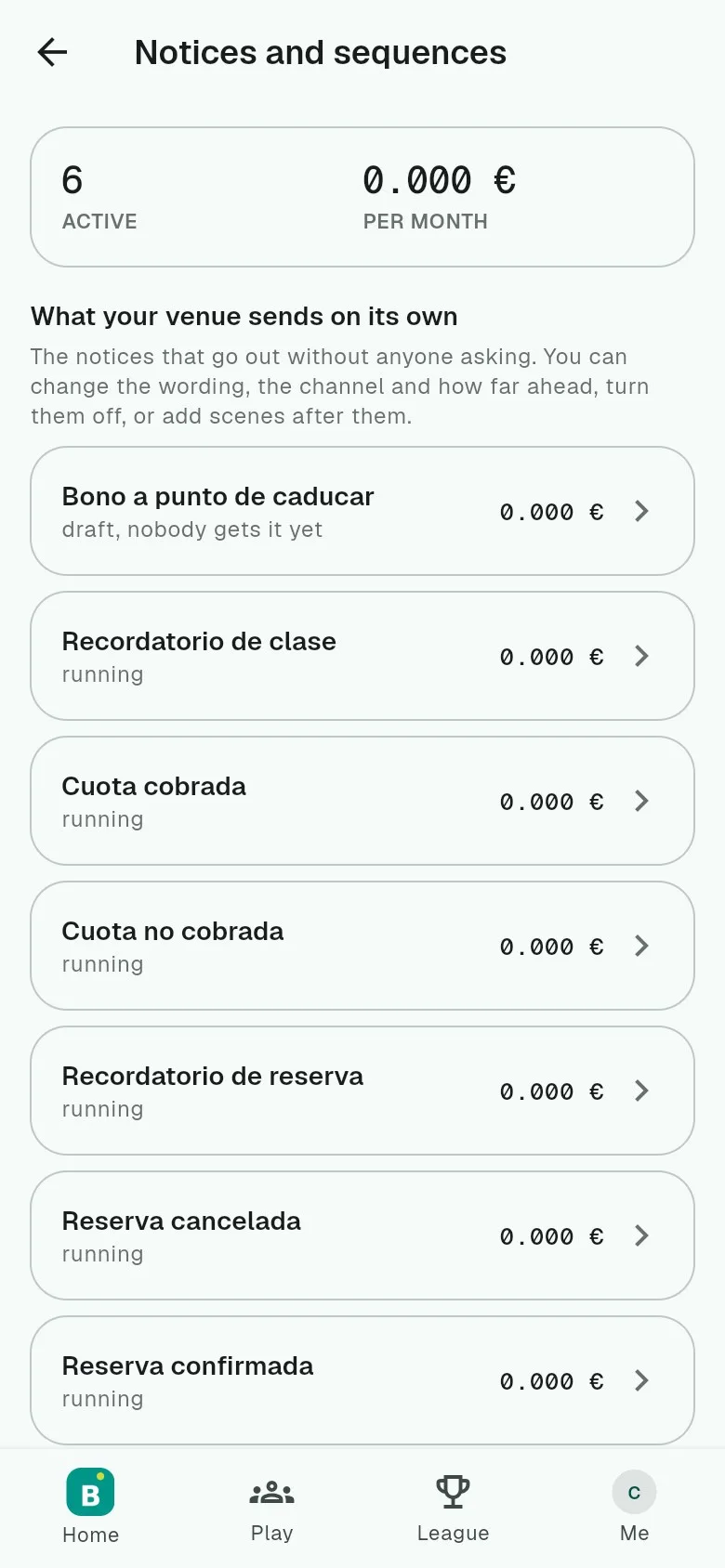
Reminders, welcomes, win-backs for those who stop coming and recovered payments, without anyone remembering.
See how it works →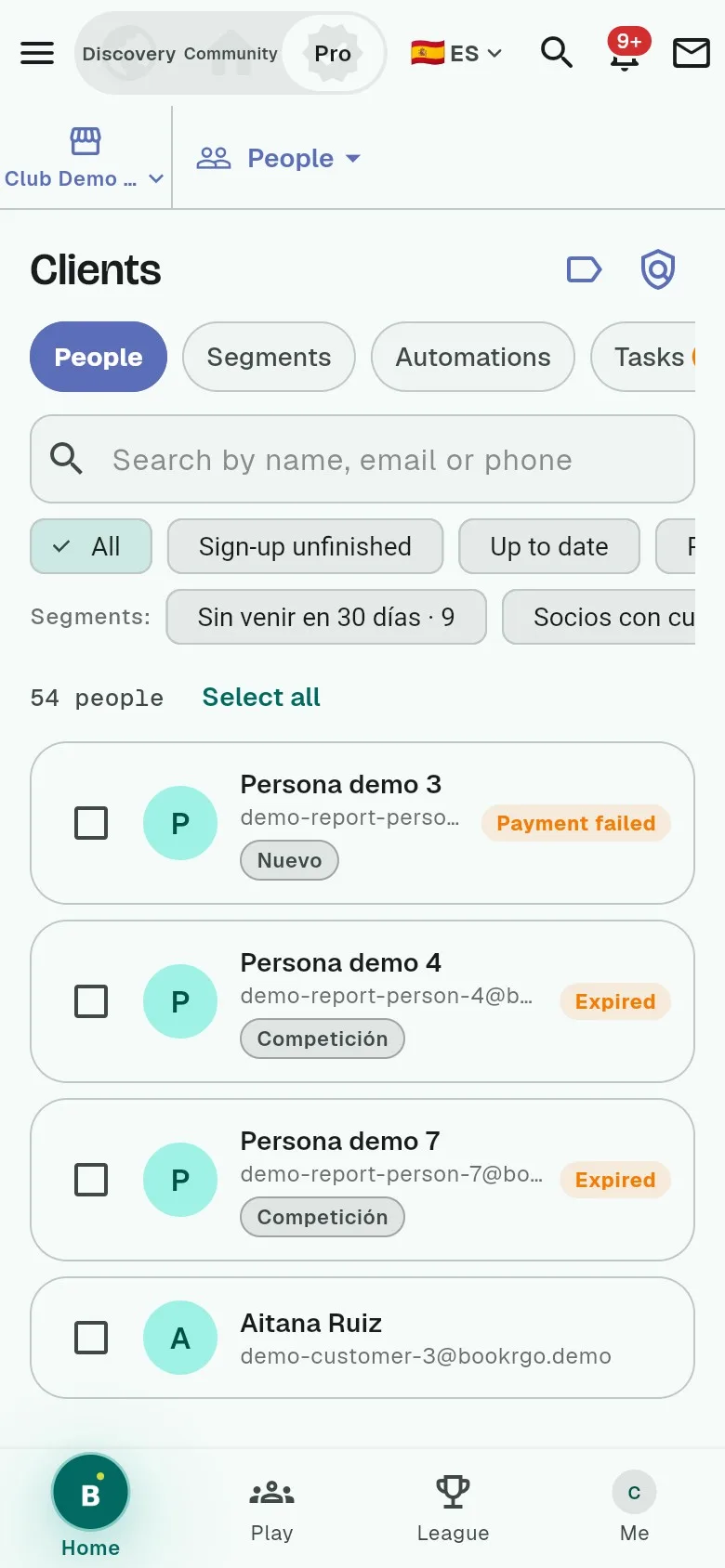
Write to all your members or to a group by email, with the one-click unsubscribe the law requires.
See how it works →The notices that can’t be missed — a court that frees up, a pending payment — arrive where your customer looks.
See how it works →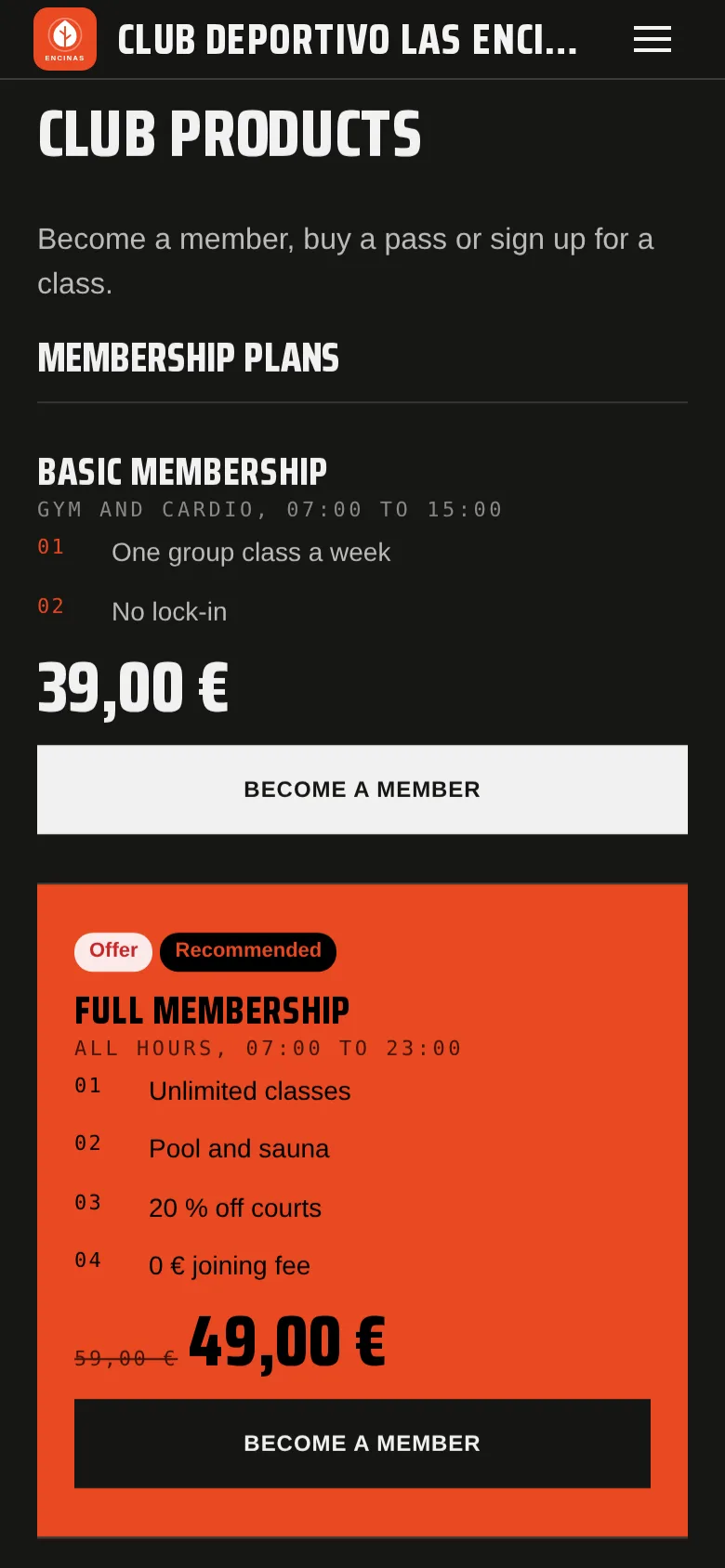
Each member sees their fee, passes, bookings and classes, and cancels or changes card on their own.
See how it works →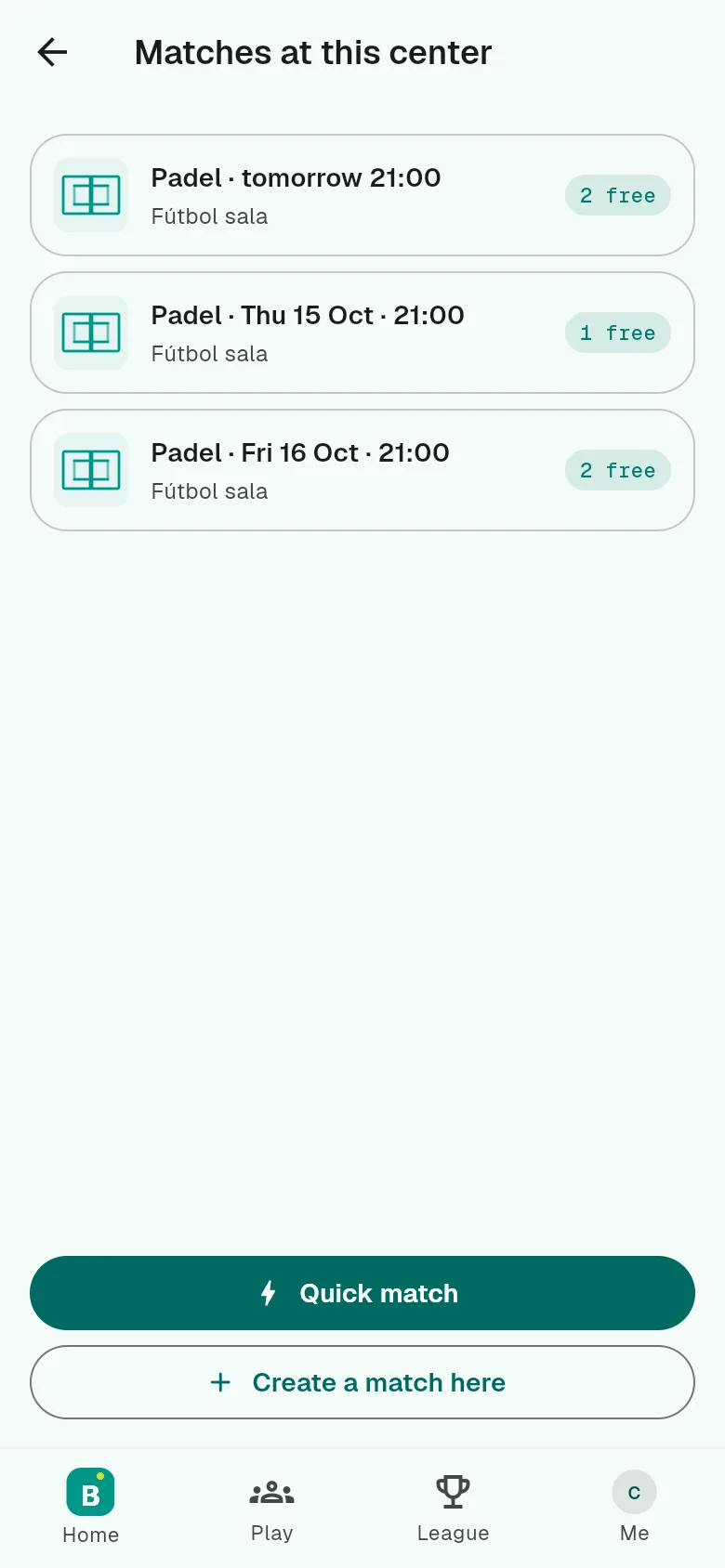
Players with nobody to play with join an open match at your club, and the court fills up.
See how it works →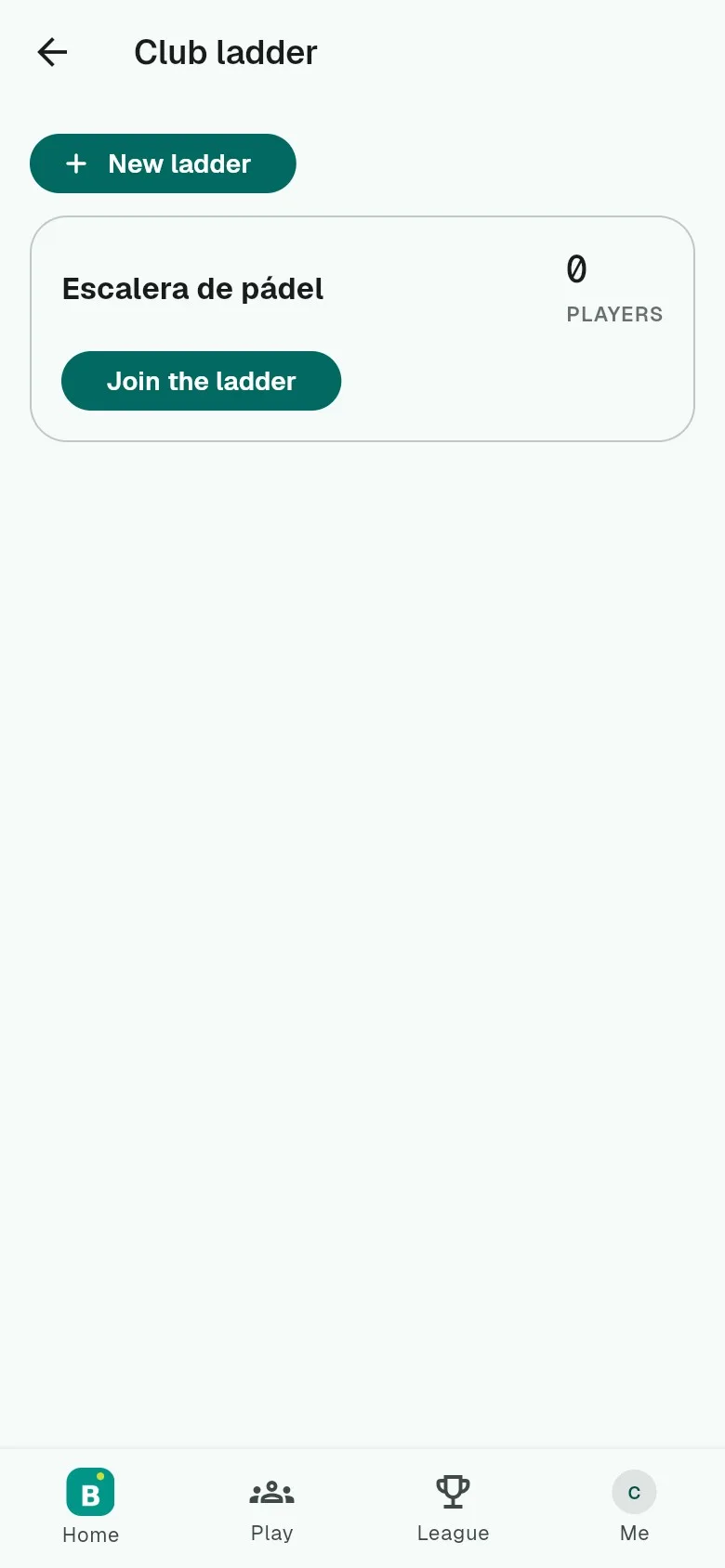
A ladder ranking where members challenge each other and record the result: more matches, more bookings.
See how it works →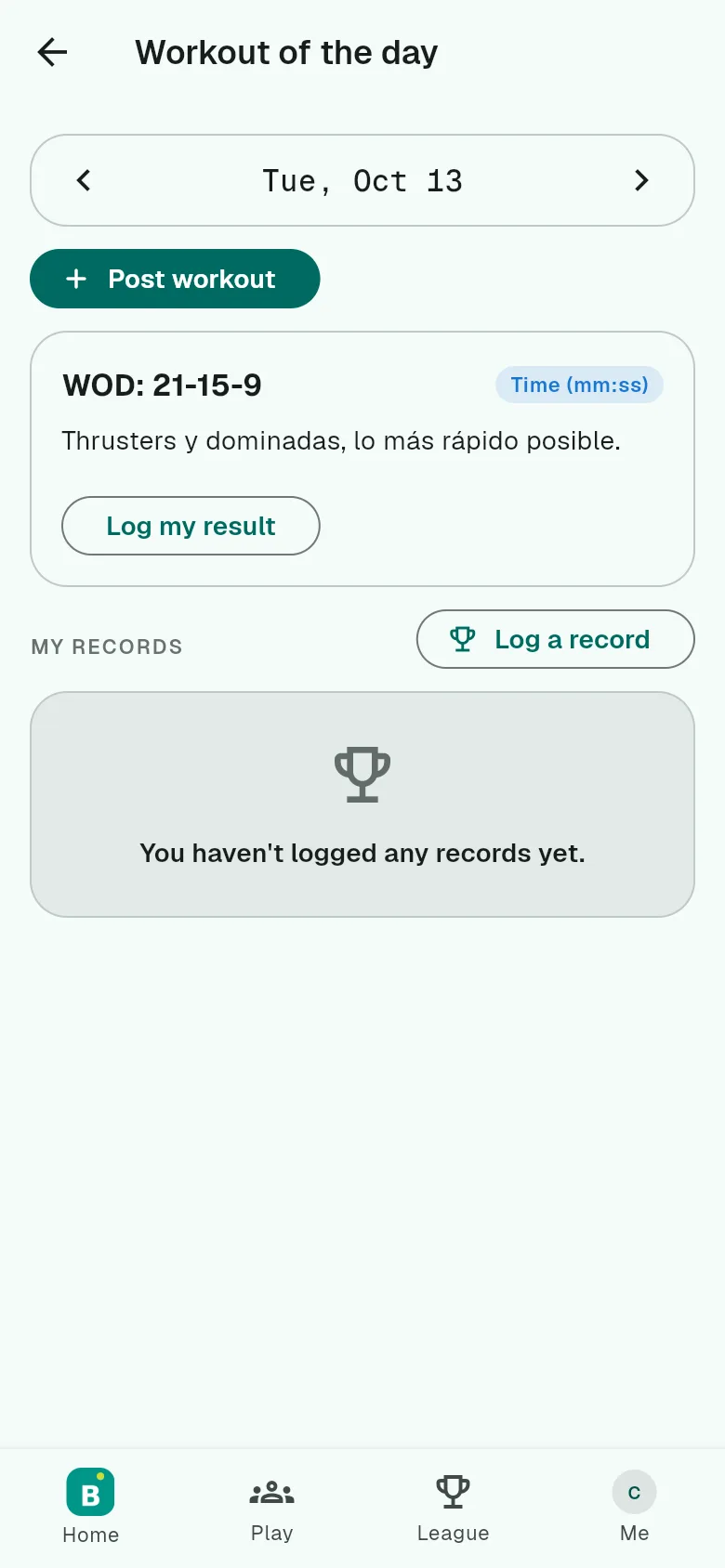
Day-by-day plans with exercises, assigned to each customer, and their personal bests logged to track progress.
See how it works →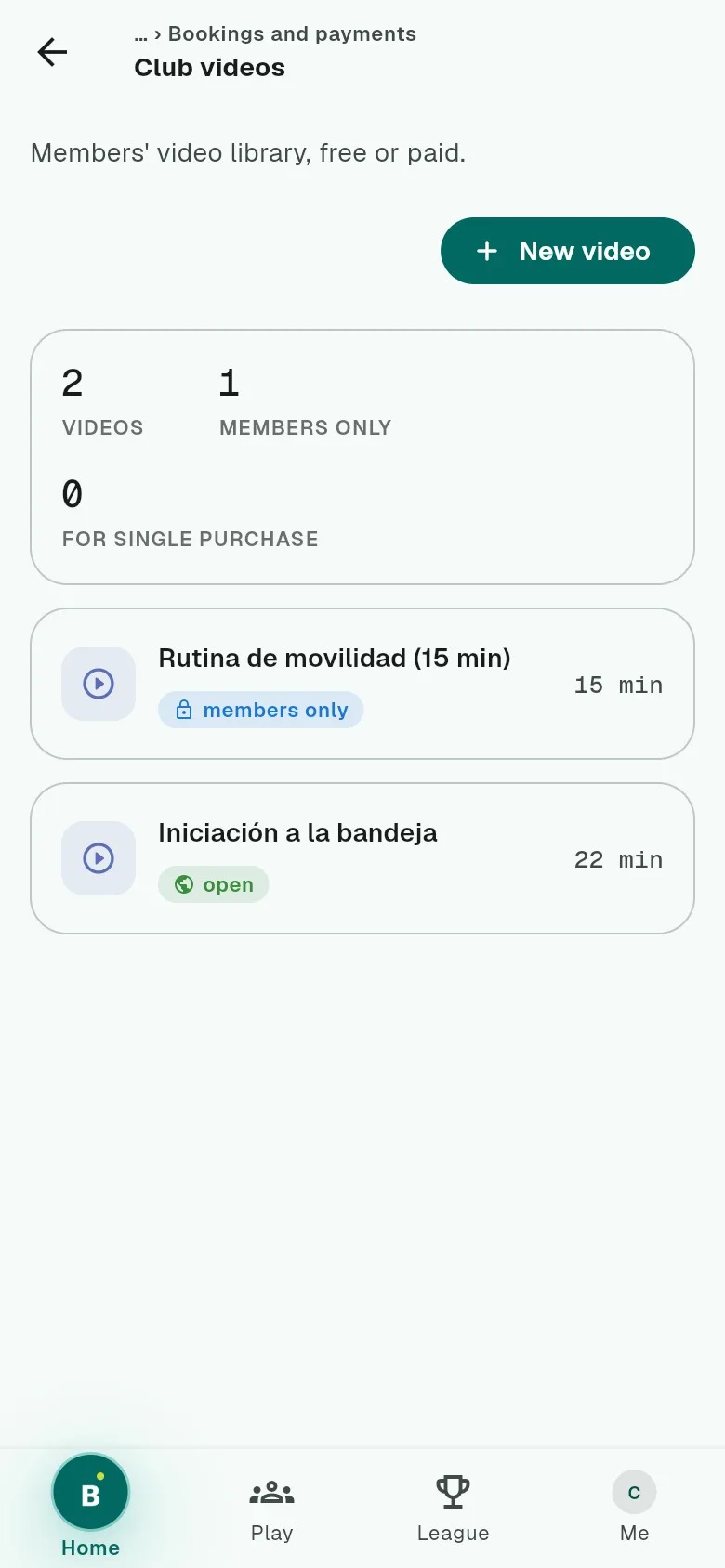
Your video library for members: yesterday’s class or the routine to do at home.
See how it works →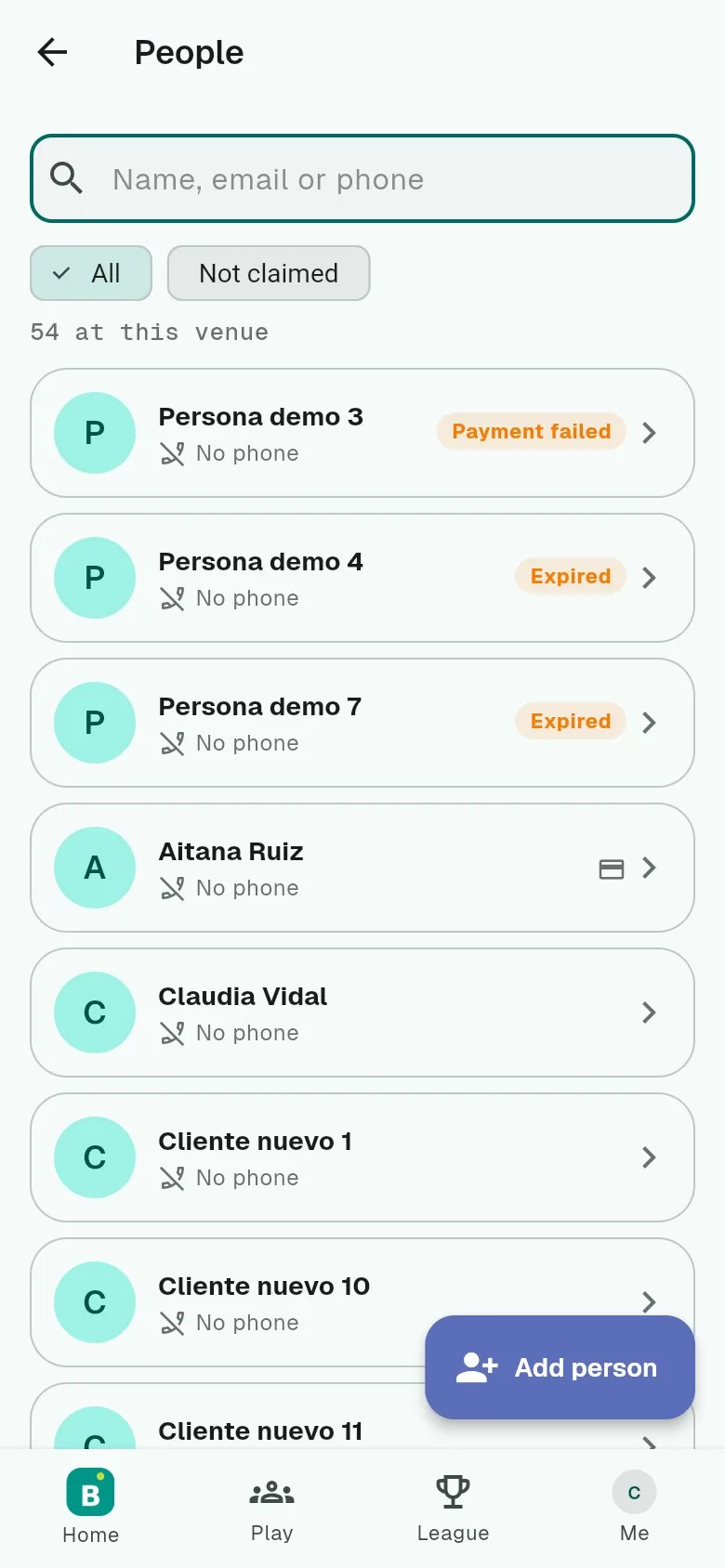
Everything about a person on one screen: fee, passes, bookings, payments, documents and contact consent.
See how it works →What goes through a person today, done on its own: the door, the invoices and the link to your other tools.

The door opens with the booking: a temporary code per booking, per slot or per day, plus a record of who came in and when. With your lock and your provider.
Access control → Invoices that meet your country’s rules, without you doing anythingInvoices that meet your country’s rules with no extra work: e-invoicing in France, Making Tax Digital in the UK, phased e-invoicing in Ireland, US sales tax.
Invoicing → Try it without leaving the software you use todayConnect the system you already use: two-way iCal feed, a public API with keys and a sandbox, and signed webhooks with a retry queue.
Integrations →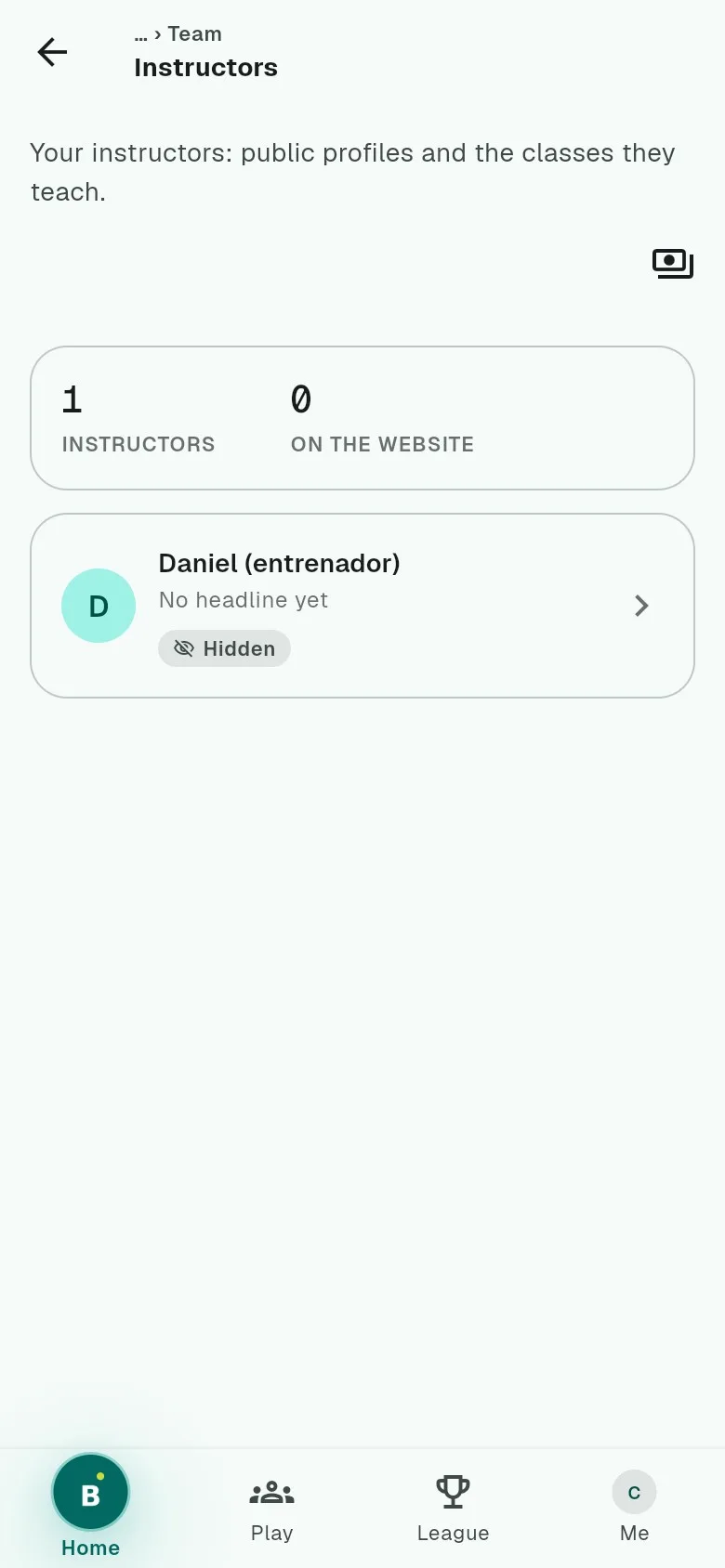
Each coach with their public profile, classes and availability, and substitutions recorded.
See how it works →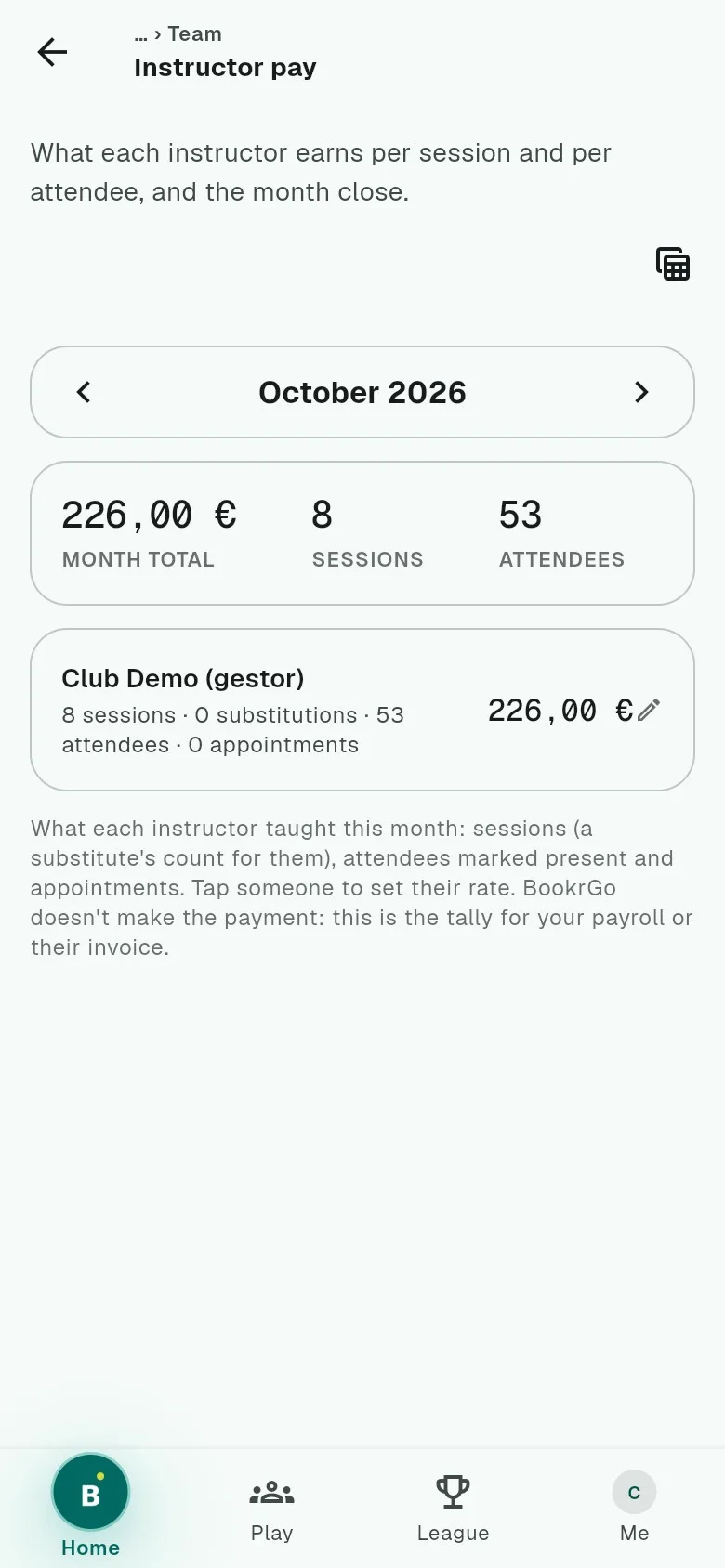
What each coach delivered in the month — sessions, cover, attendees and appointments — and what they’re owed at their rate.
See how it works →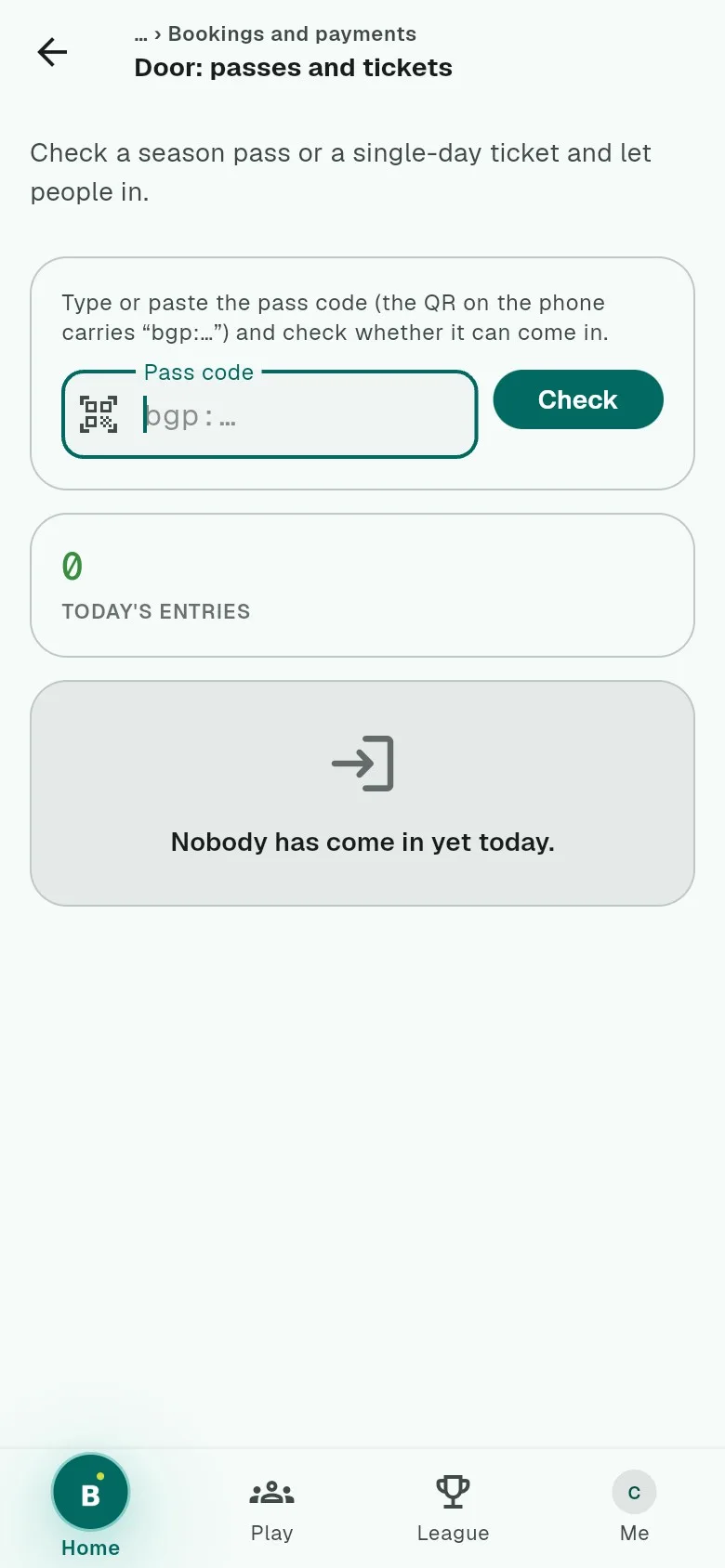
The desk scans the member’s QR code, sees who they are and whether they have a fee or booking, and lets them in.
See how it works →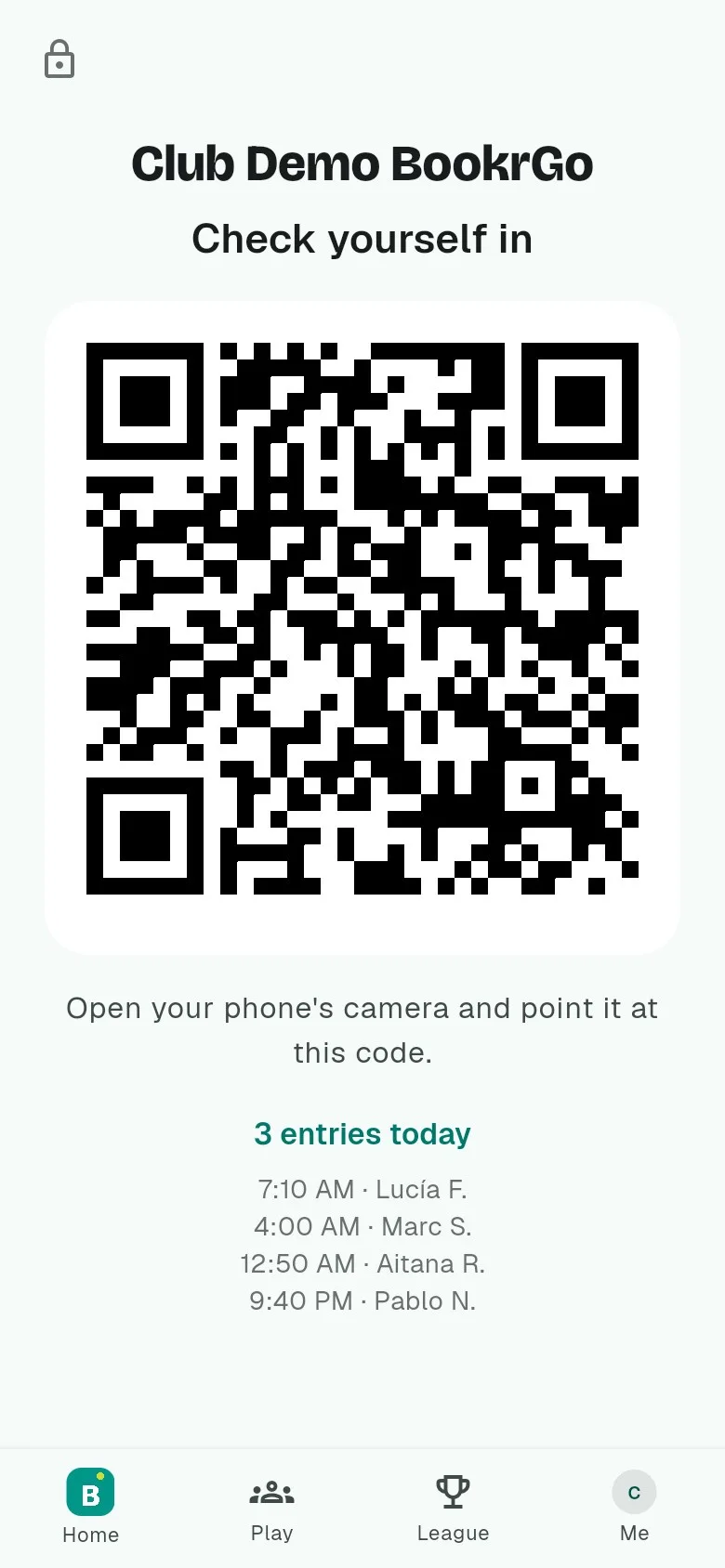
A tablet at the entrance with a QR code that changes every minute: customers check in with their phone, with nobody at the desk.
See how it works →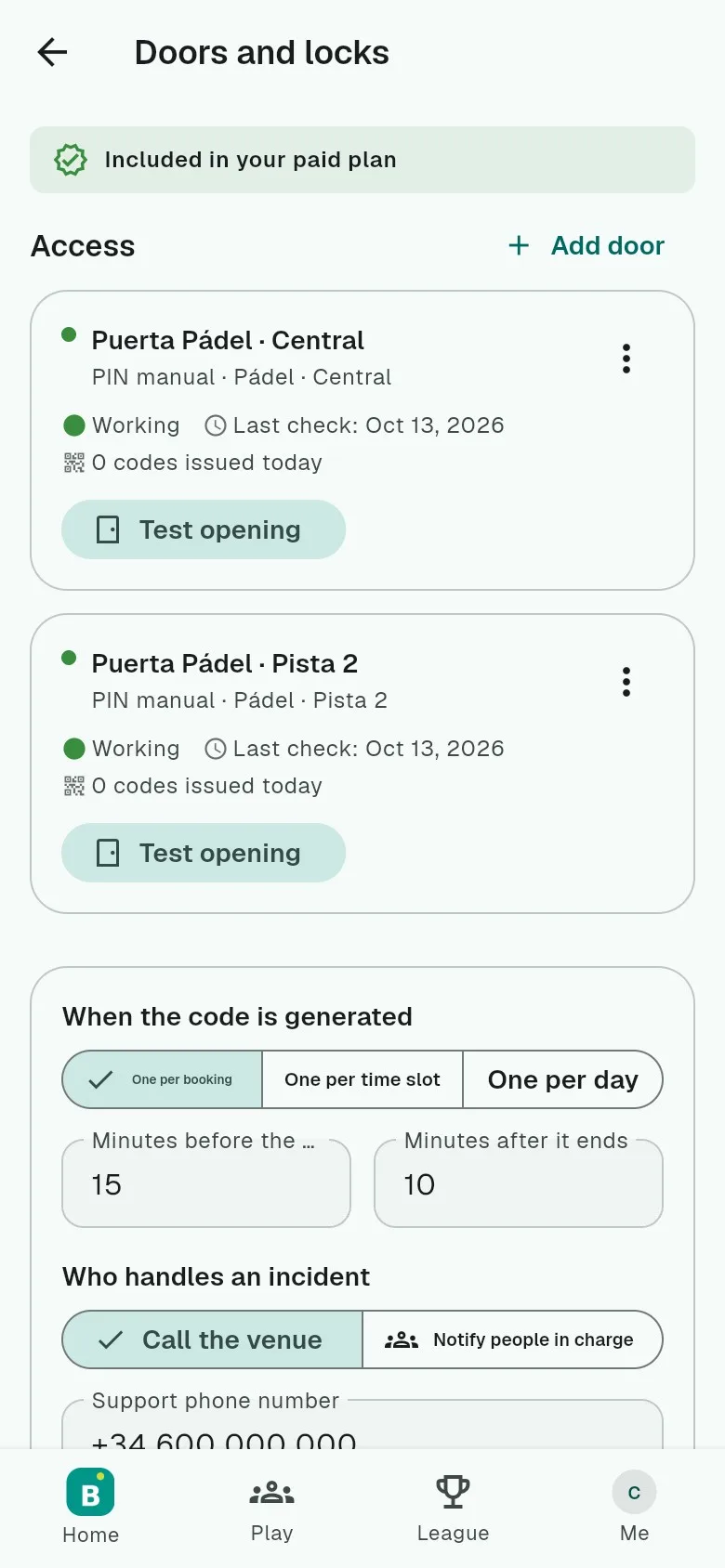
The door opens with a valid booking or membership, with codes or your connected lock.
See how it works →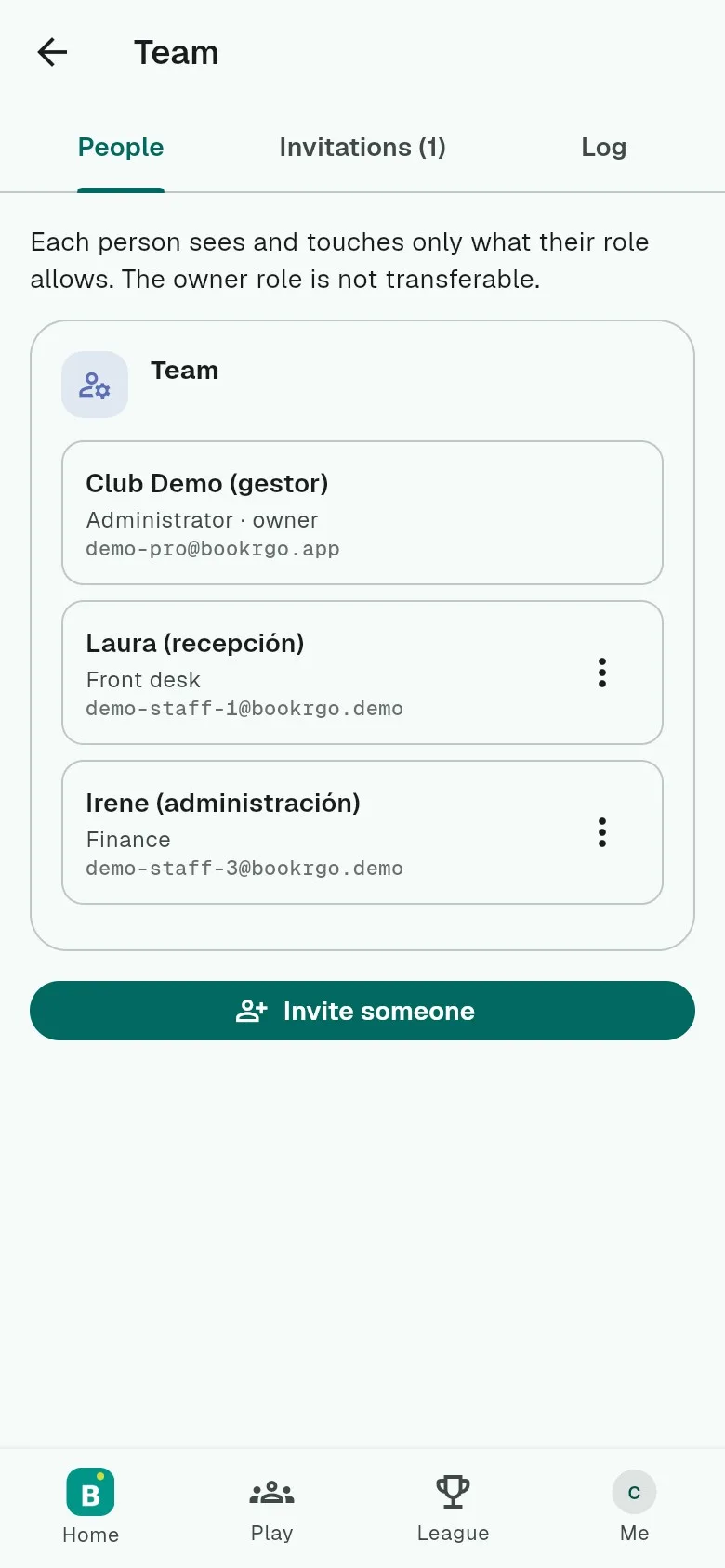
Invite your team with their role — front desk, coach, management — so each one sees only their part, with two-factor login.
See how it works →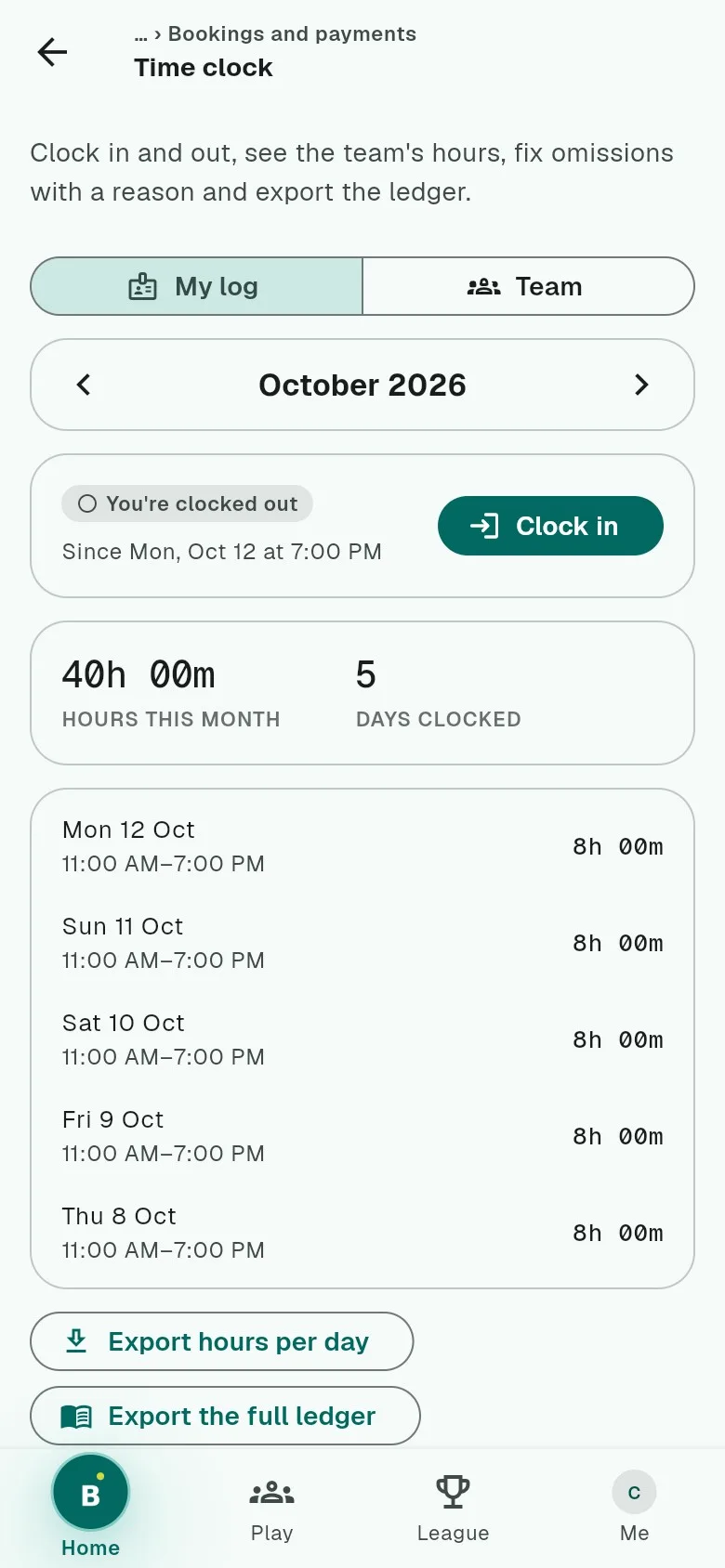
Your team clocks in and out from their phone and the month’s time record is ready.
See how it works →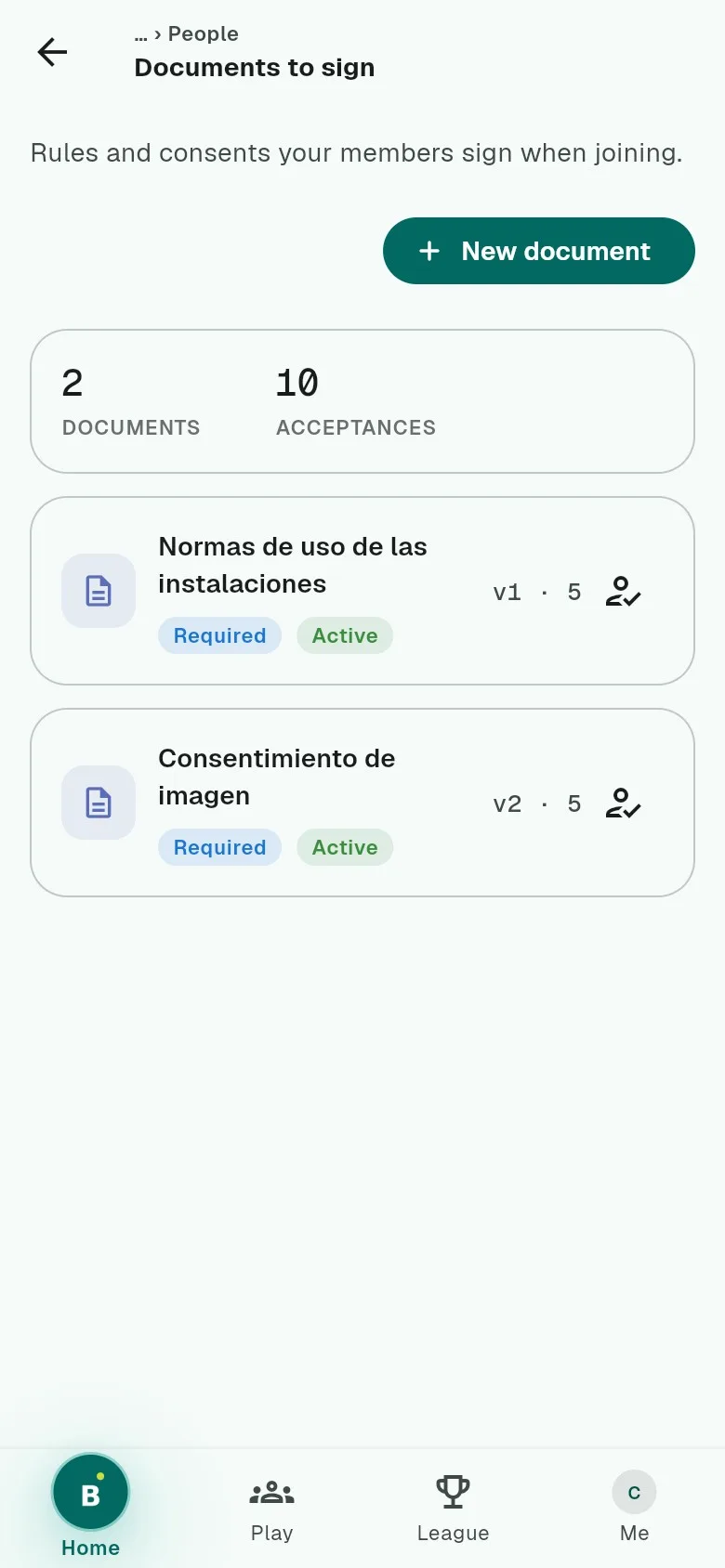
Rules, liability waivers and whatever your venue requires, accepted by each member in the app before they come in.
See how it works →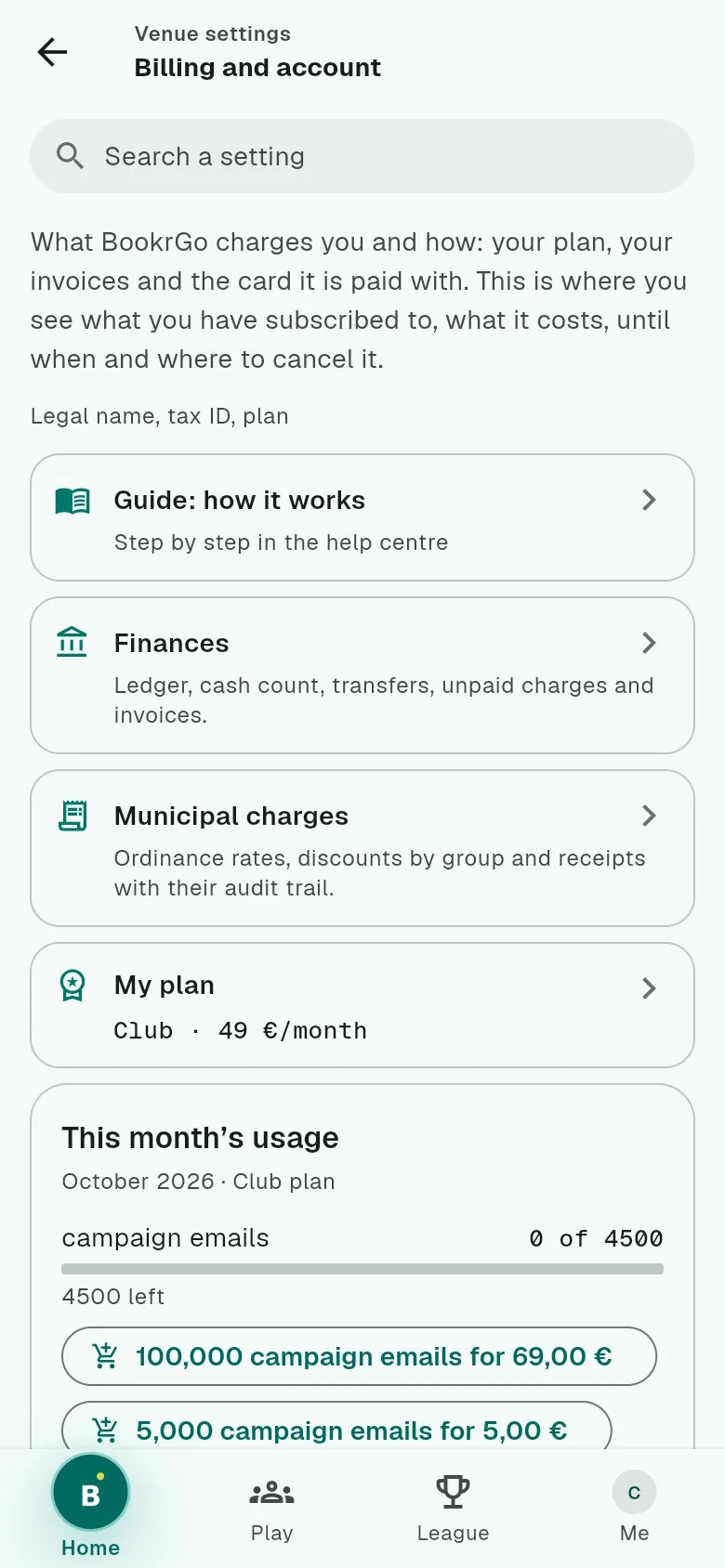
Every payment with its numbered invoice, compliant with your country’s rules, without lifting a finger.
See how it works →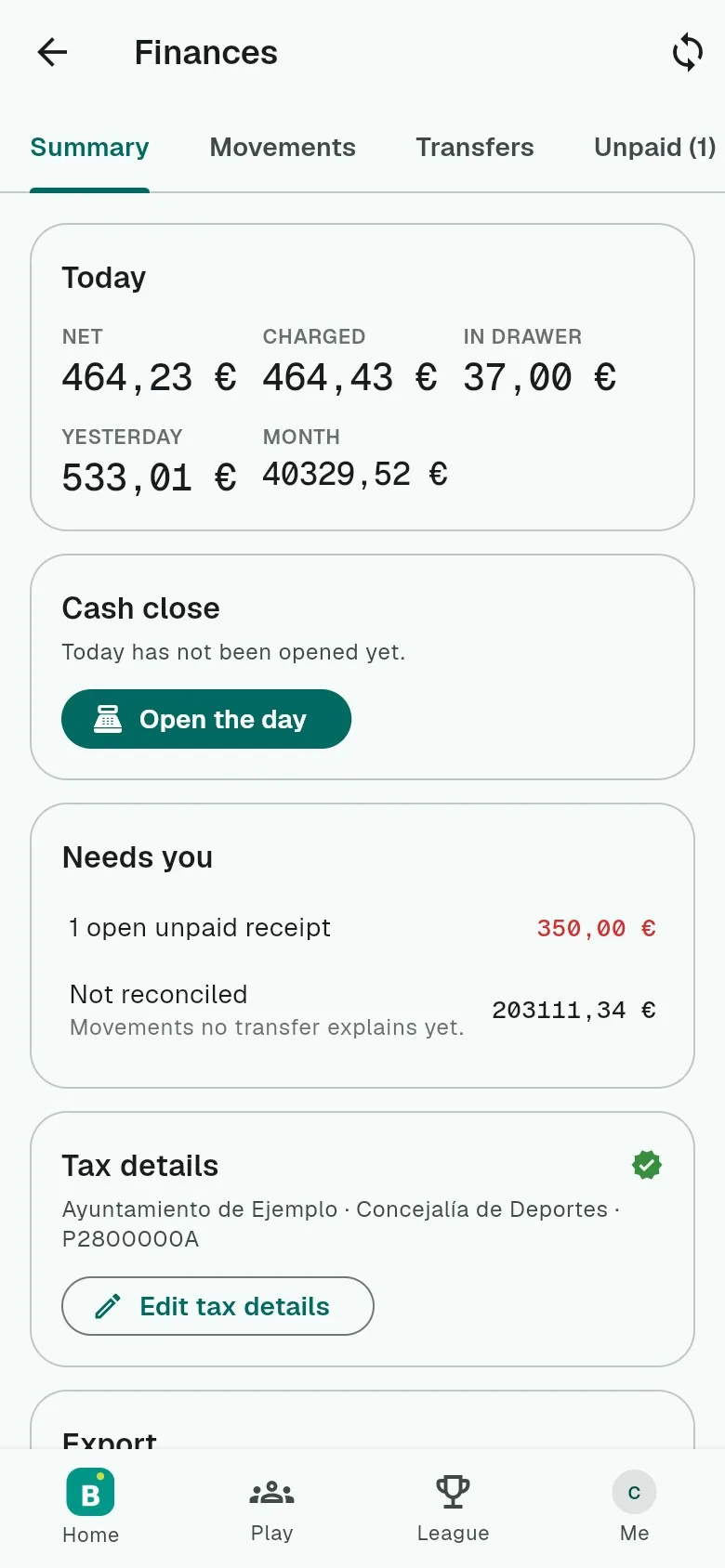
What’s been collected, what’s pending and the income forecast for the next 30 days, on one screen.
See how it works →Bank fees in SEPA (Single Euro Payments Area) batches, with returned payments in plain sight.
See how it works →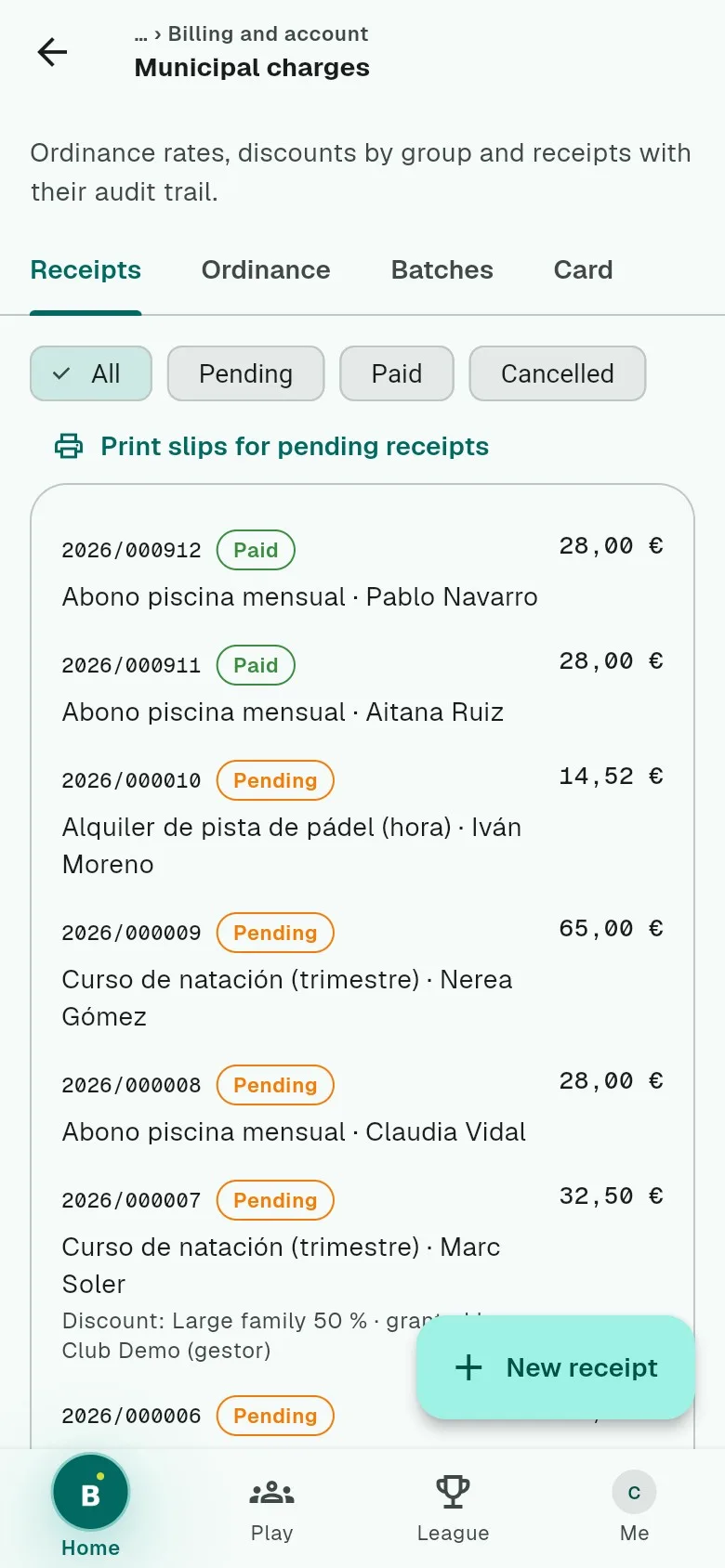
Your council’s fee schedule with its discounts, and each receipt itemised for the town hall.
See how it works →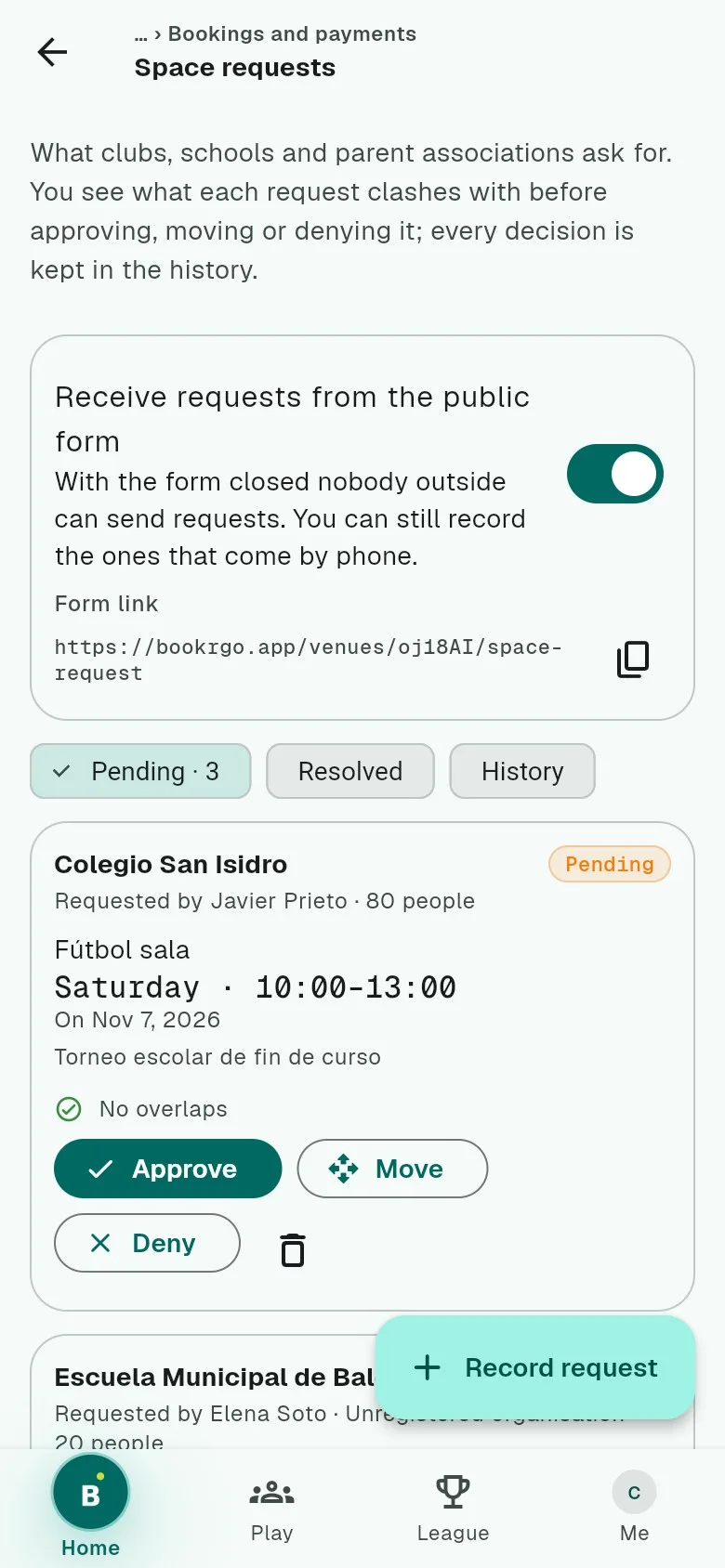
The clubs and schools using your spaces, the slot allocated to them each season and their requests with clashes in plain sight.
See how it works →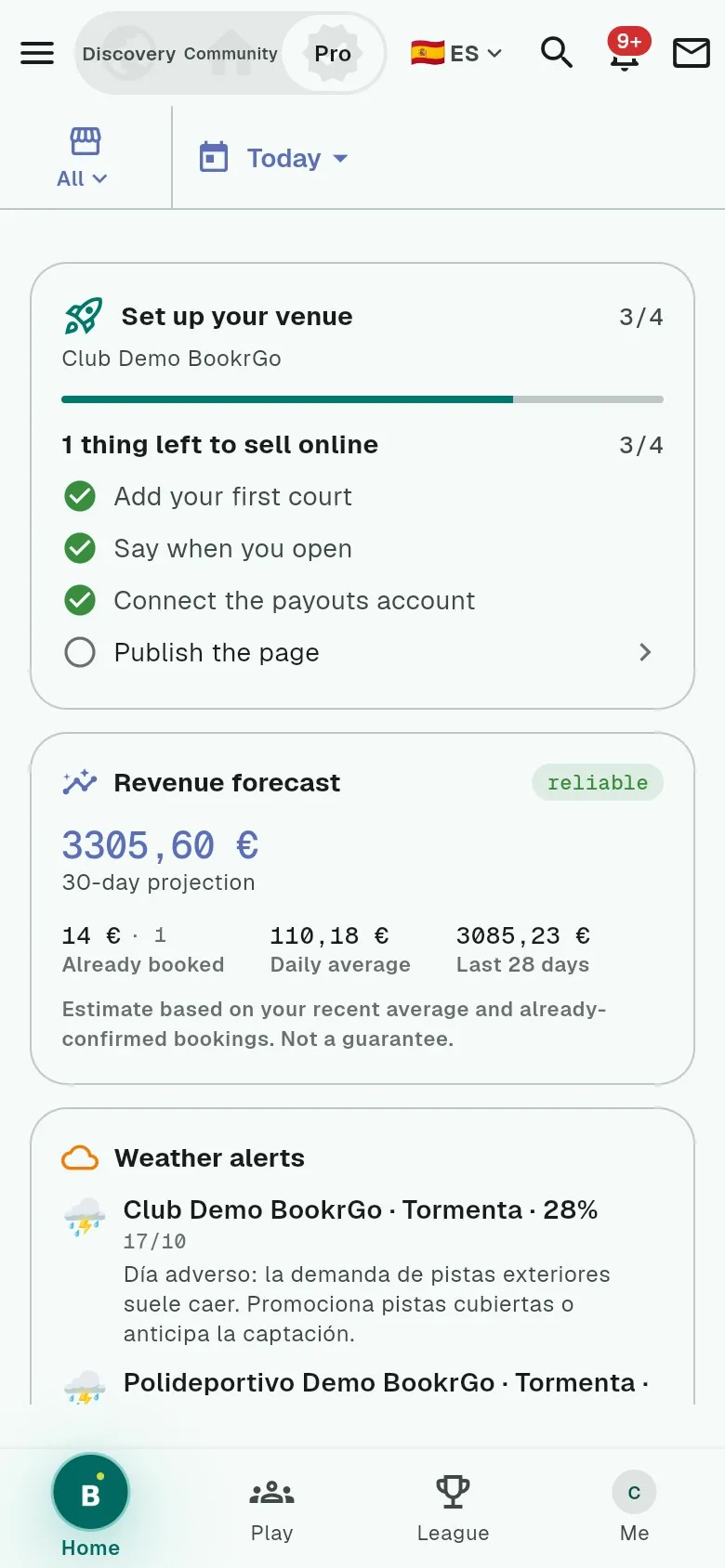
All your venues in the same panel, together or one by one, each with its own team.
See how it works →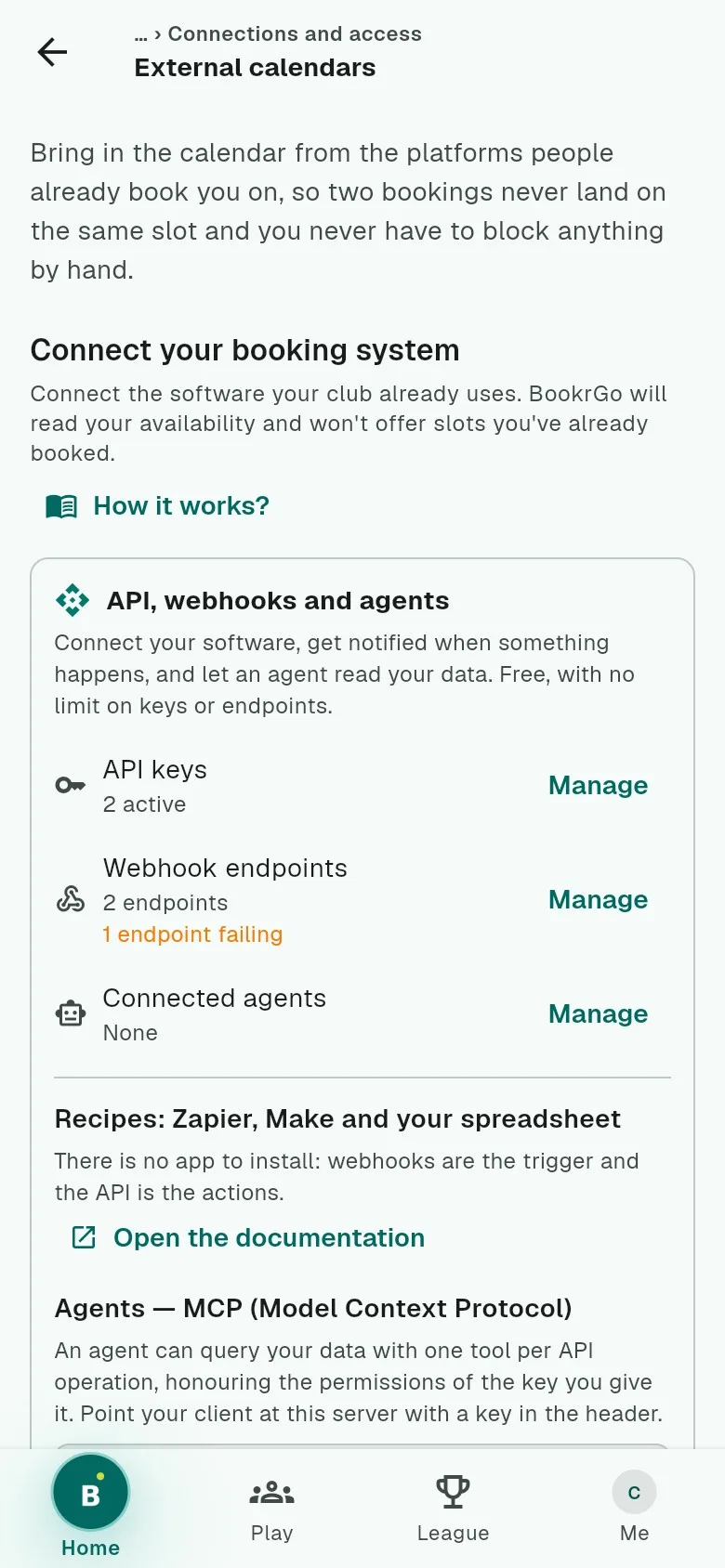
iCal calendar, a public API (application programming interface) and webhooks to connect it with what you already use.
See how it works →Connect your AI (artificial intelligence) assistant to the club with permissions you grant and revoke: “how many bookings do I have tomorrow?”.
See how it works →Bookings and members come out in a file whenever you want, and go in the same way: import the members you already have.
See how it works →
Start free today, step into the demo or tell us how your venue works and we’ll tell you whether it fits.